


A Performance Pack gives you access to your personal trading bot that works 24/7 and generates profit in USDT. You choose a package and you get access to the bot, different performance levels of up to 600%, and flexible options for any budget. The bot operates continuously until its performance limit is fully used. Once the limit is reached, you’ll need to purchase a new Performance Pack.
In this guide, we’ll show you how to pay for a Performance Pack with Upgrade Token (UPT). Note: payment with UPT is available for packages priced from €110 and above.
Log in to UTrading.com and go to the Performance Packs section. Here you’ll see the available packages, including performance percentage, estimated profit in USDT, and the package price.
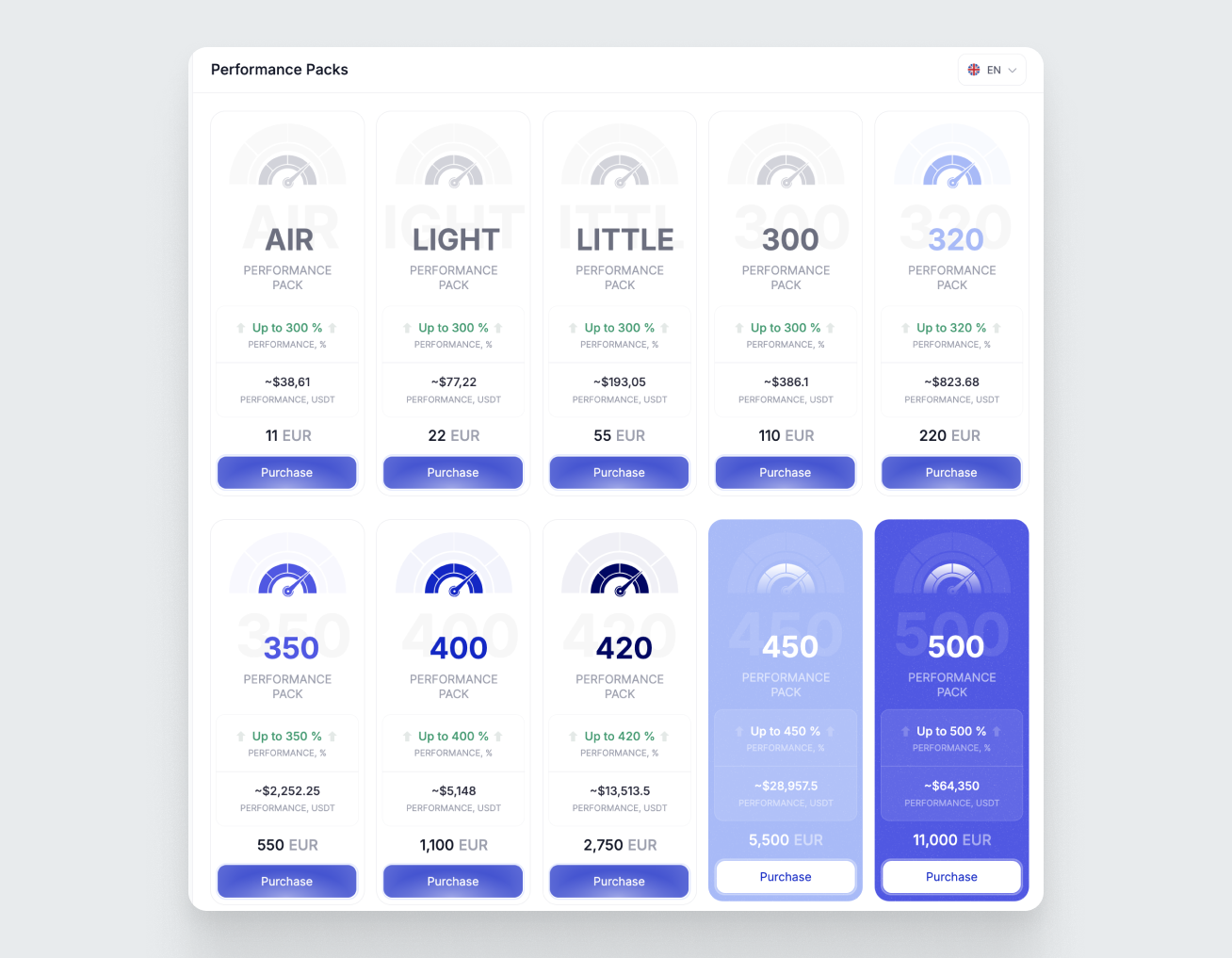
To buy a package, click the “Purchase” button:
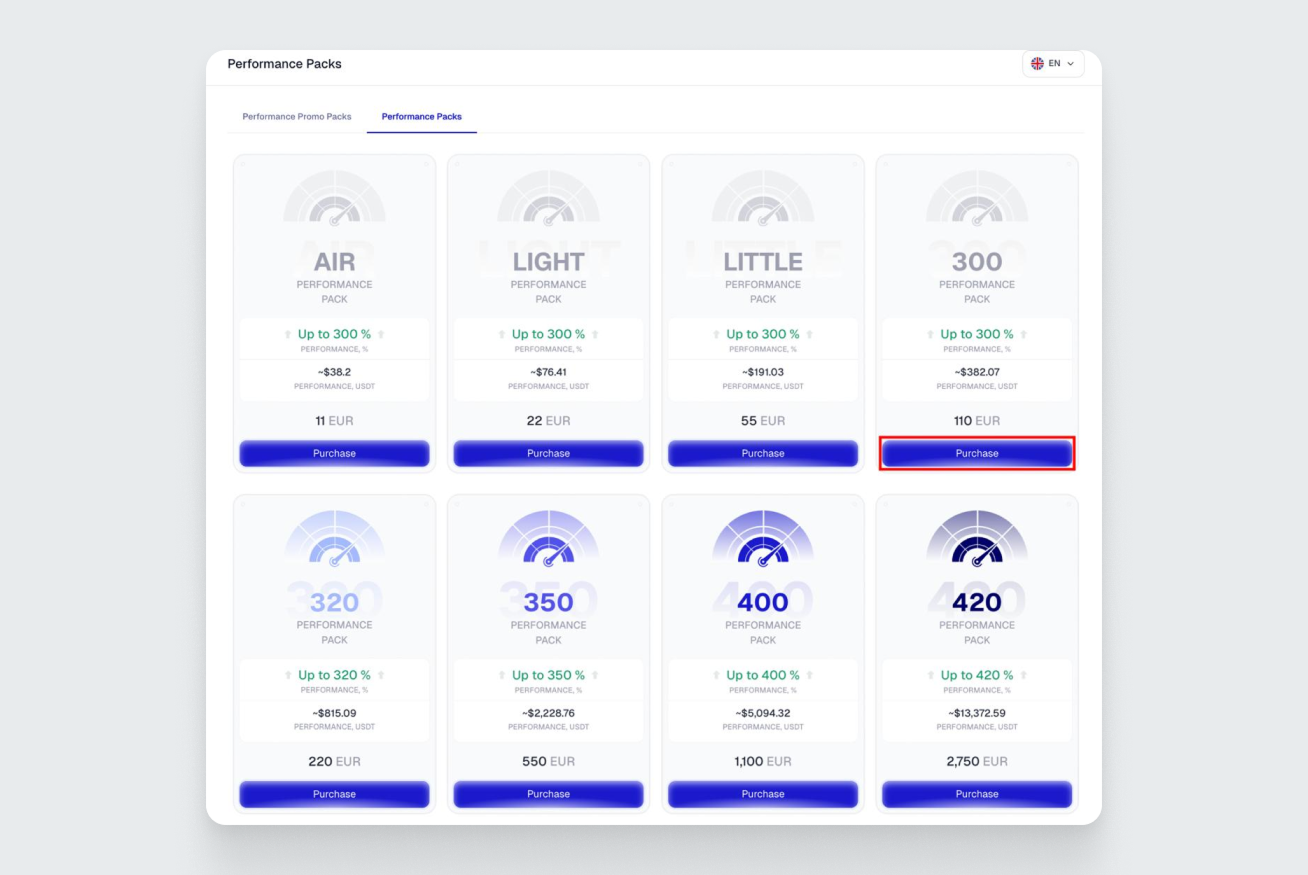
In the window that opens, select your payment method — via UPT Balance or via token, confirm your agreement with the payment terms by checking the required boxes, and click the “Purchase” button.
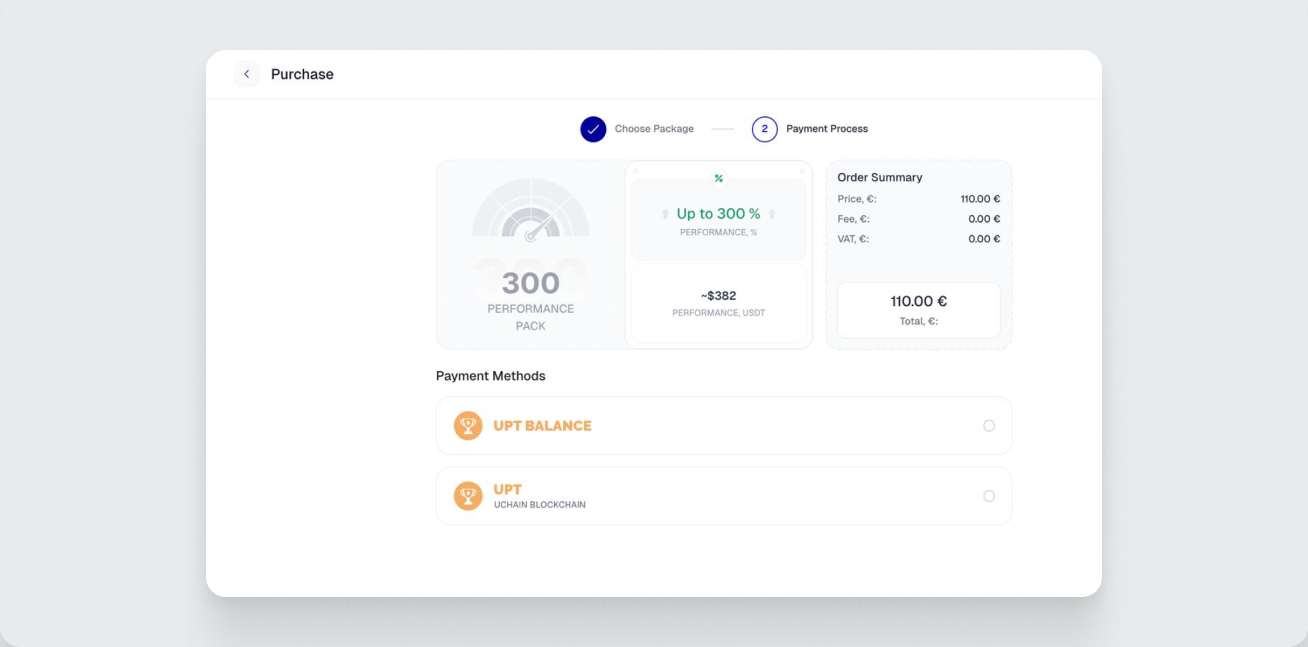
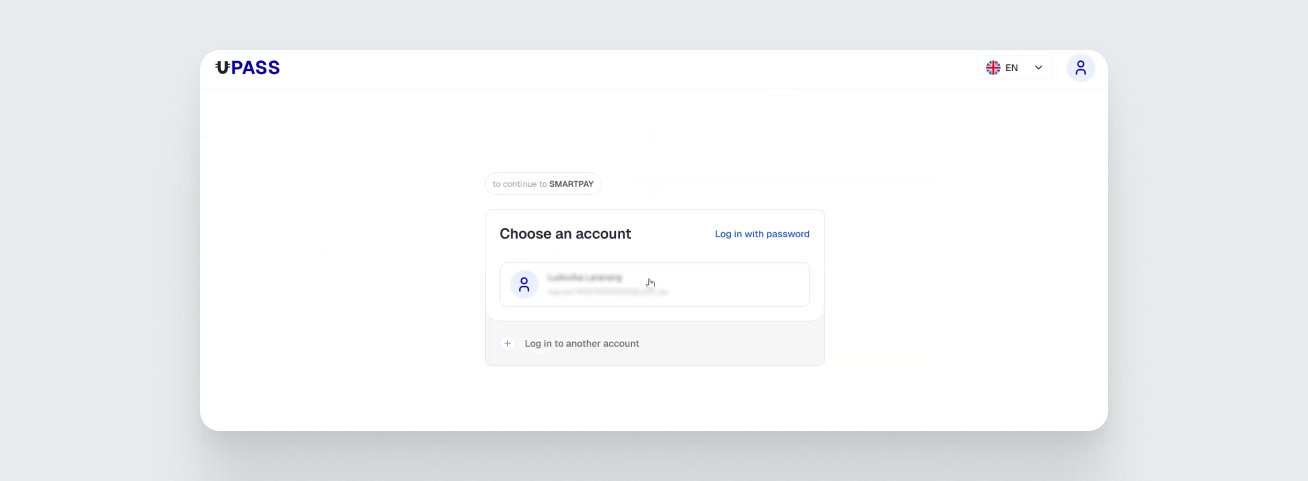
If you choose the UPT Balance payment method, a page will open where you need to select your UBusiness account — the UPT tokens will be deducted from its balance.
To complete the payment, click the confirmation button in the bottom-right corner:
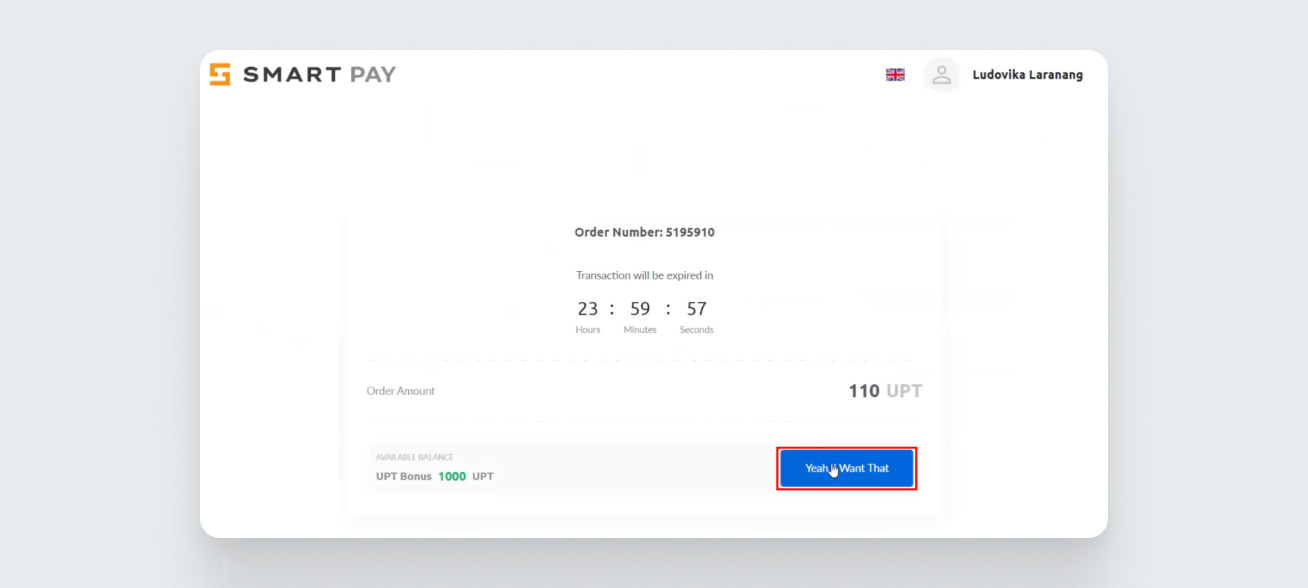
Wait for the payment confirmation.
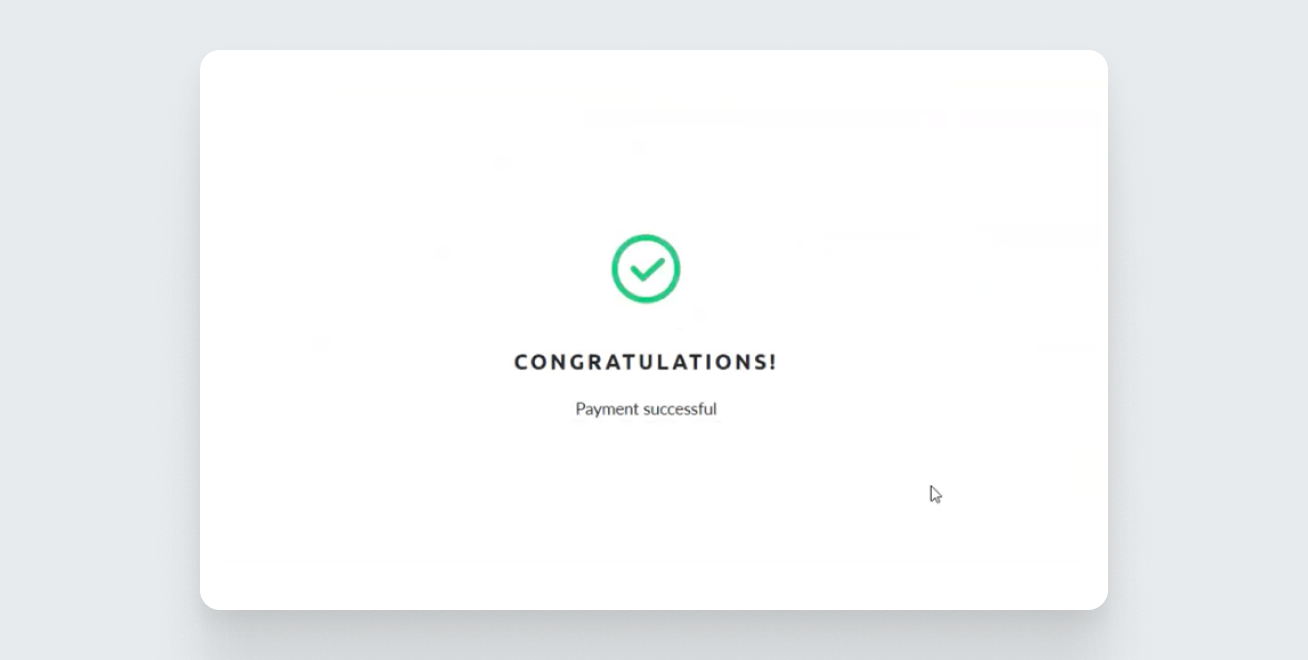
Done! You have successfully purchased a Performance Pack with UPT!
If you choose the UPT token payment method, an address will appear where you need to send the tokens.
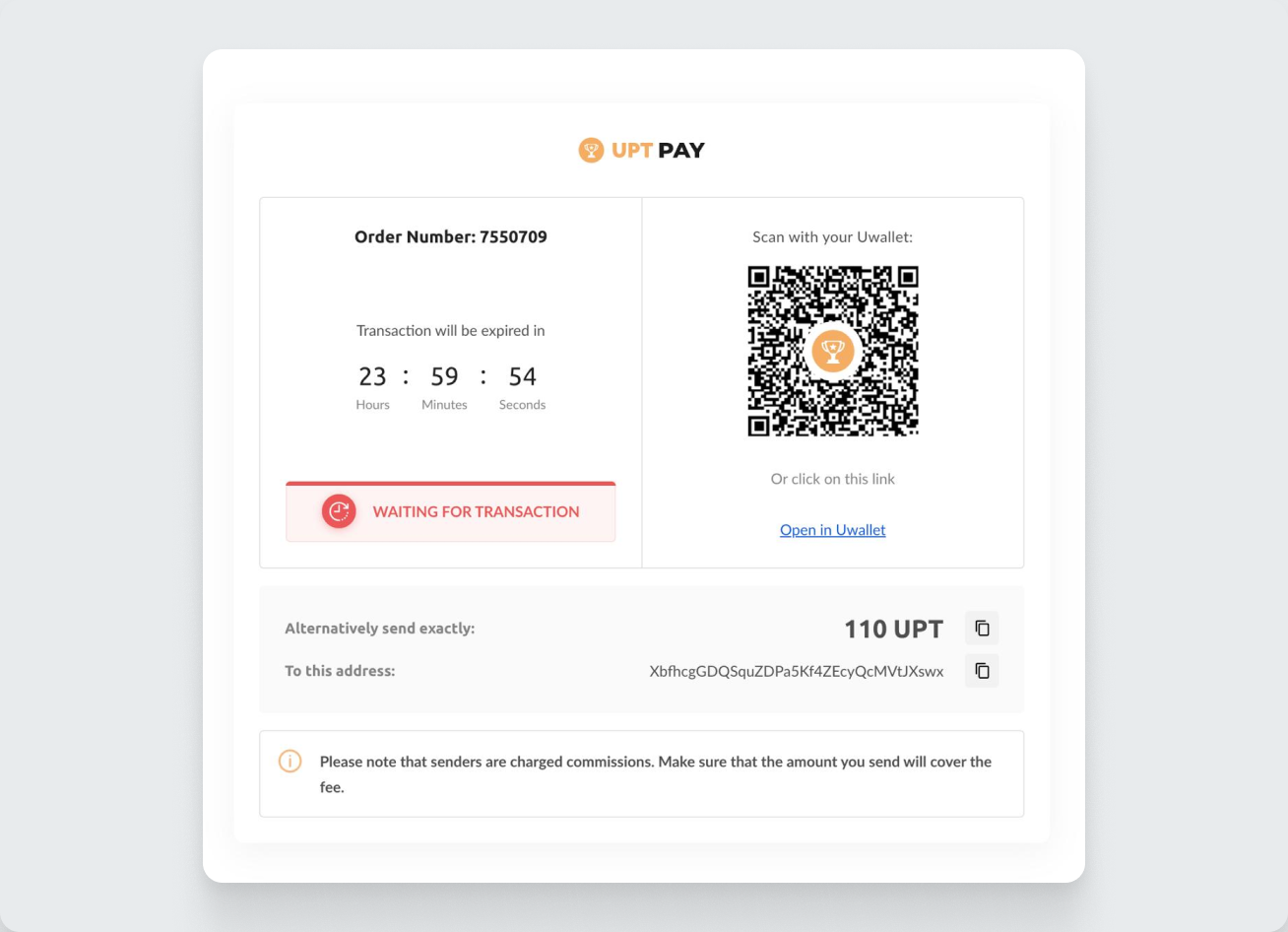
After sending the tokens, you will see a successful payment confirmation message.
After payment, your Available Performance in the Dashboard will increase:
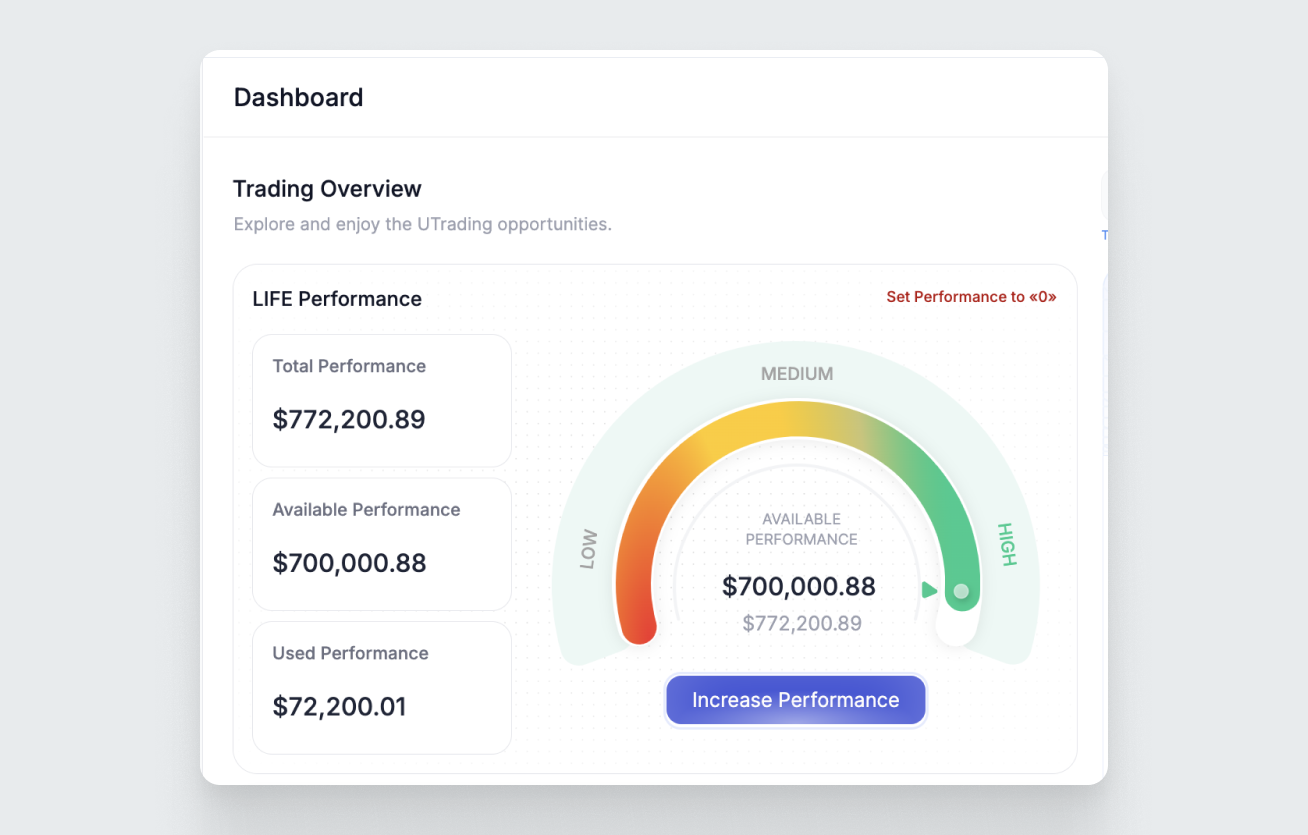
Done! You’ve successfully paid for your Performance Pack and boosted your bot’s productivity.