


What It Is
ULucky is a decentralized platform on the ULTIMA Chain blockchain, where anyone can win cryptocurrency prizes by placing bets in ULUCKY tokens and other cryptocurrencies. It’s simple: the larger the bet, the higher your chances of winning.
ULTIMA Lucky is a fully decentralized application. All key actions — wallet connection, sending transactions to place bets, participation in pools, draws, and receiving prizes — take place directly on the blockchain and are recorded on-chain. This means your participation history and results are tied to your wallet and can be verified on the network.
In this guide, we demonstrate the mechanics using a BTC pool (on the Ultima Chain) as the prize token. However, the range of prize tokens will be expanded in the future.
What You Need to Participate in the Draw
- A UPass account to log in/register
- The UWallet app installed on your smartphone
How ULTIMA Lucky Works: A Quick Overview
The platform mechanics are very simple. You choose a suitable pool, place a bet by sending a transaction via UWallet, receive a number of tickets depending on the size of your bet (the higher the bet, the more tickets), and then wait for the draw. If you win, you receive a prize and can withdraw it to your wallet.
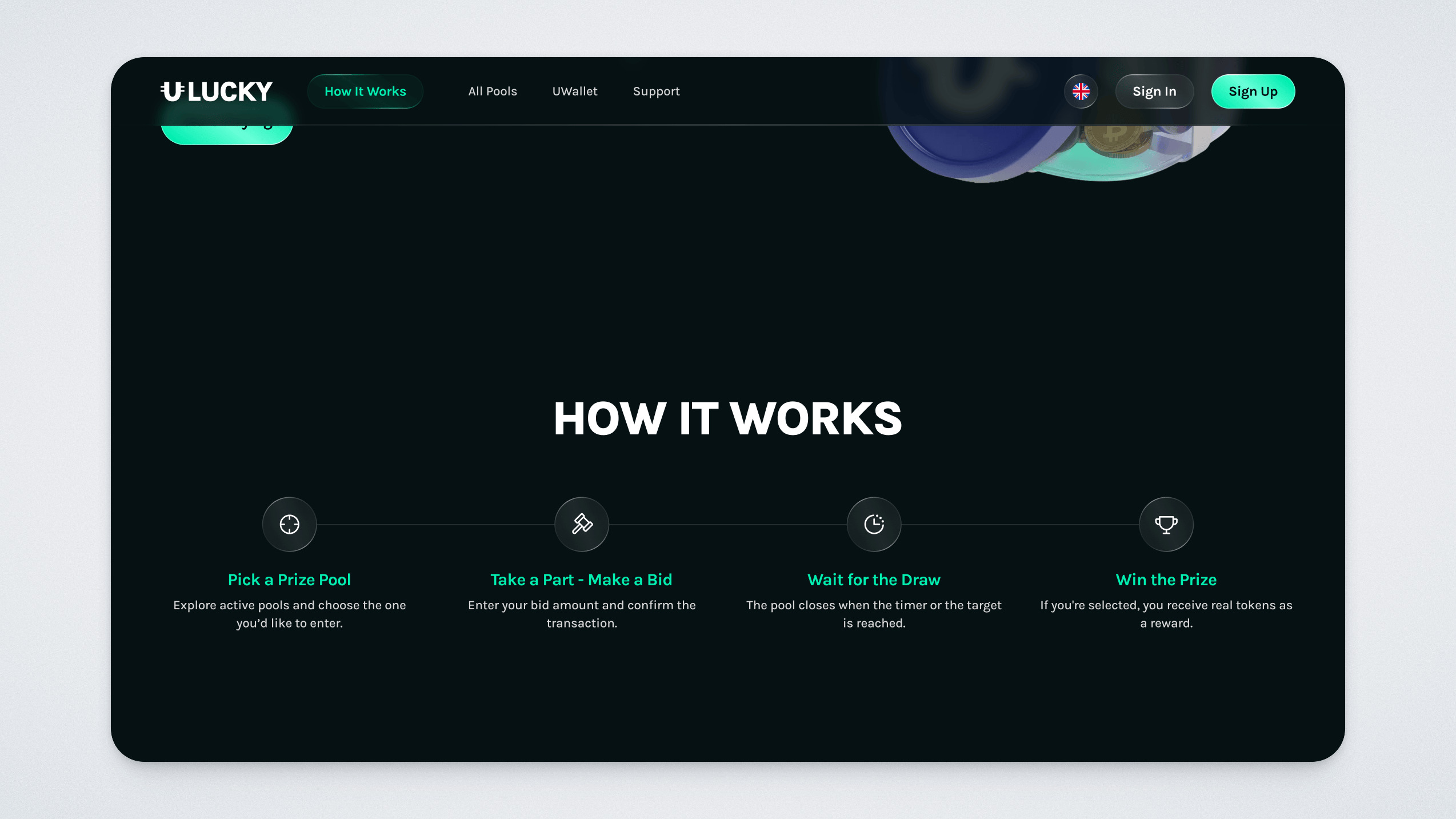
A step-by-step guide to joining a pool
Go to the ULTIMA Lucky website.
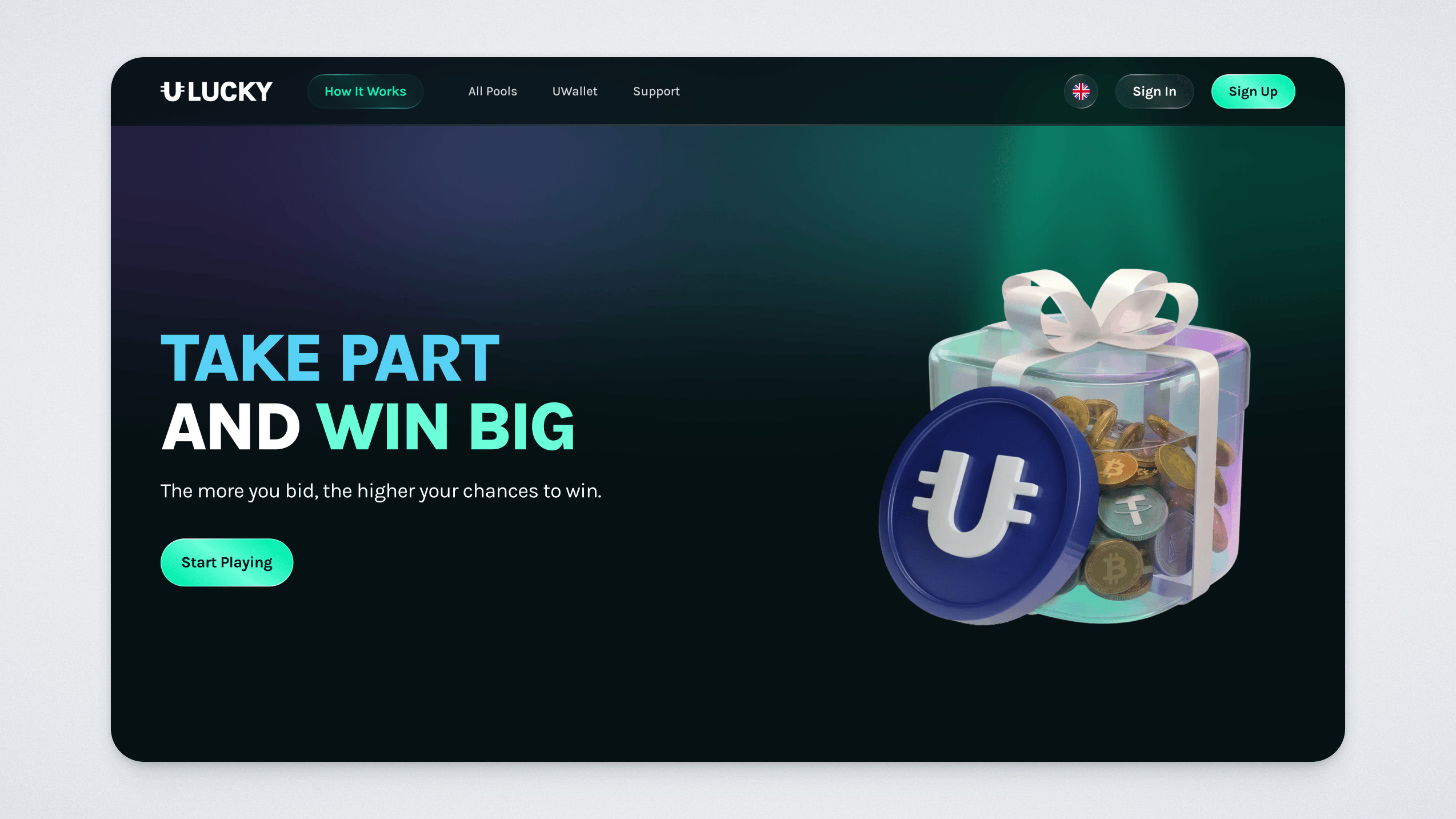
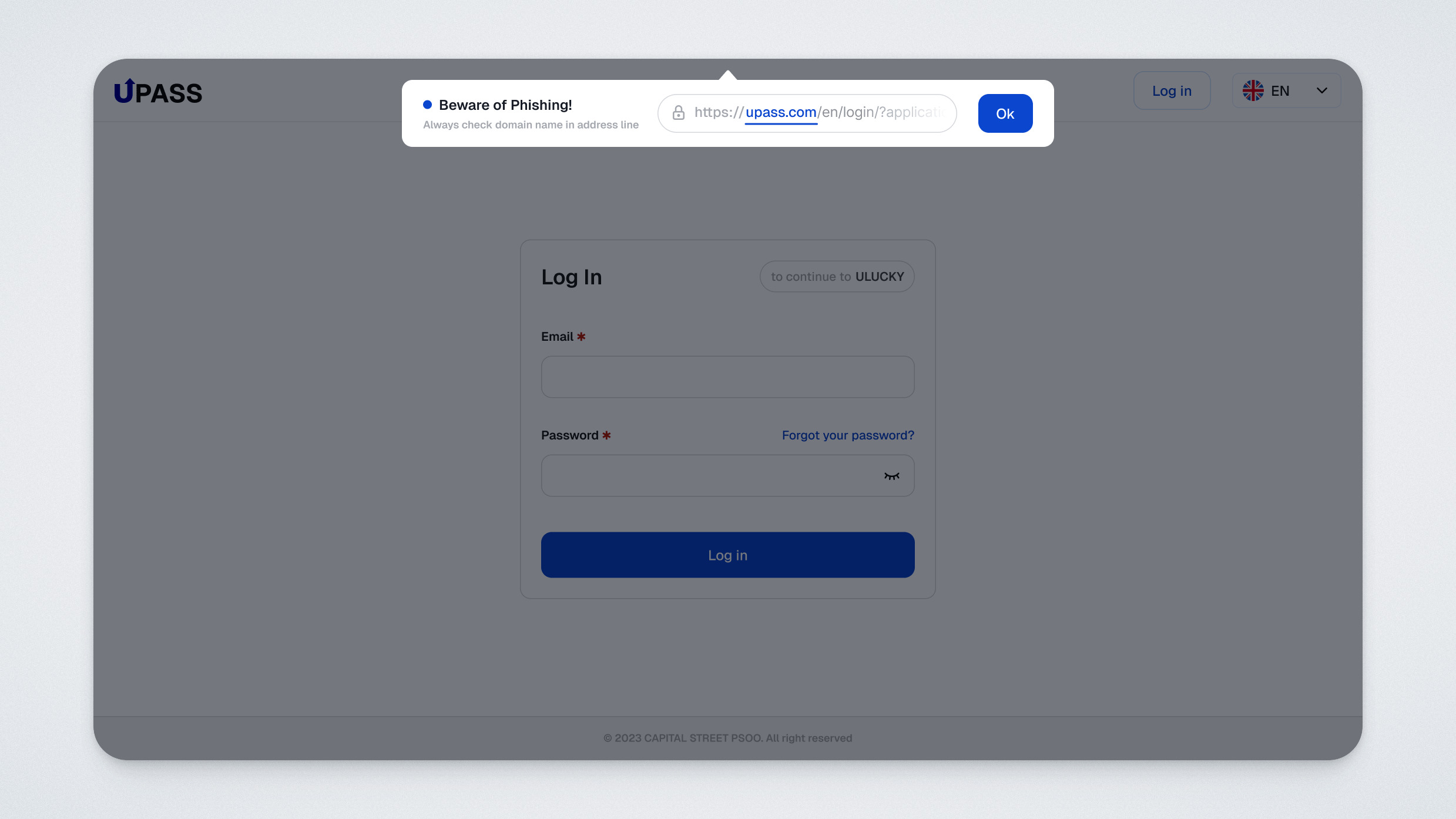
Sign in using UPass:
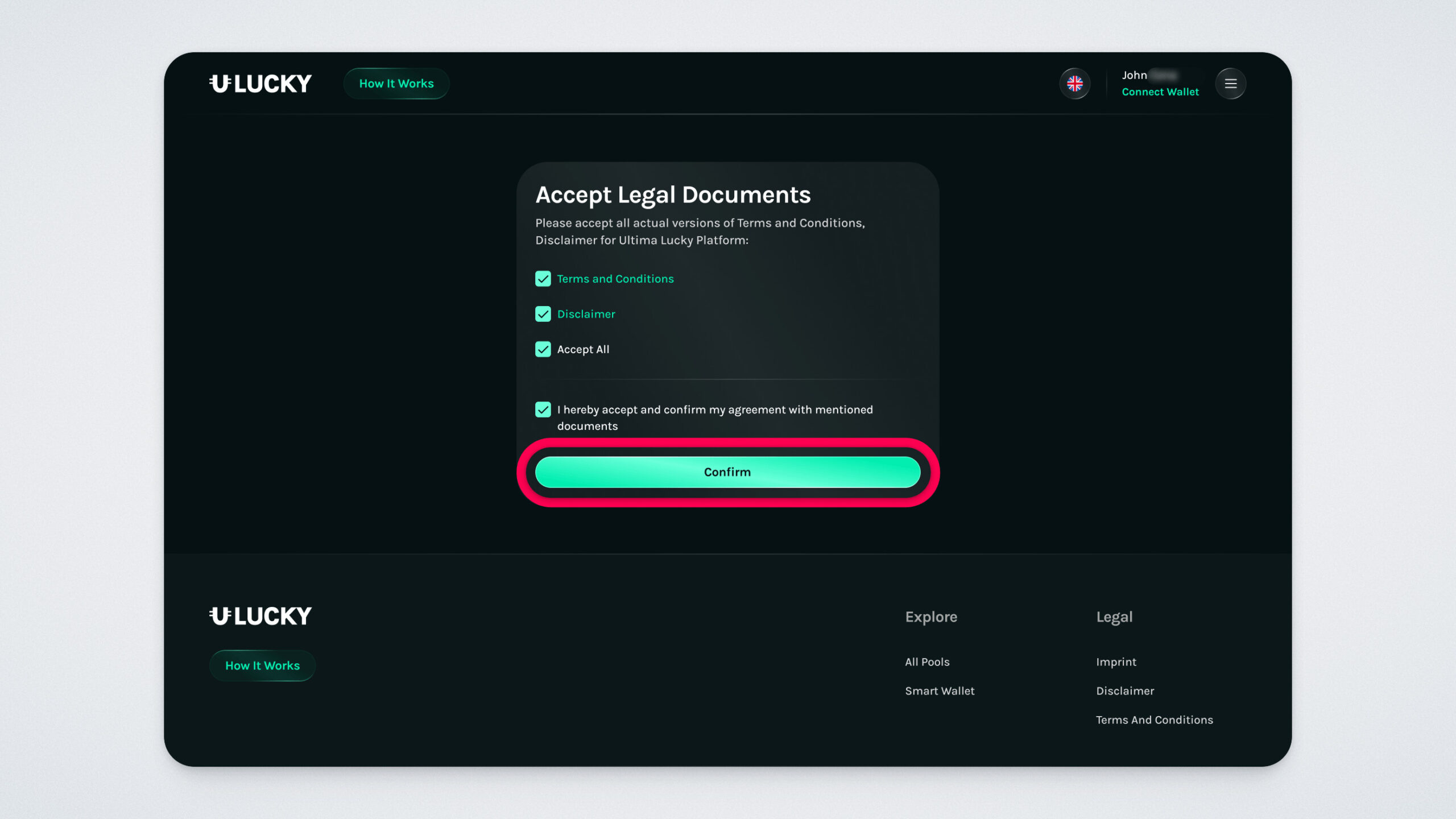
On your first login, accept the platform’s legal documents:
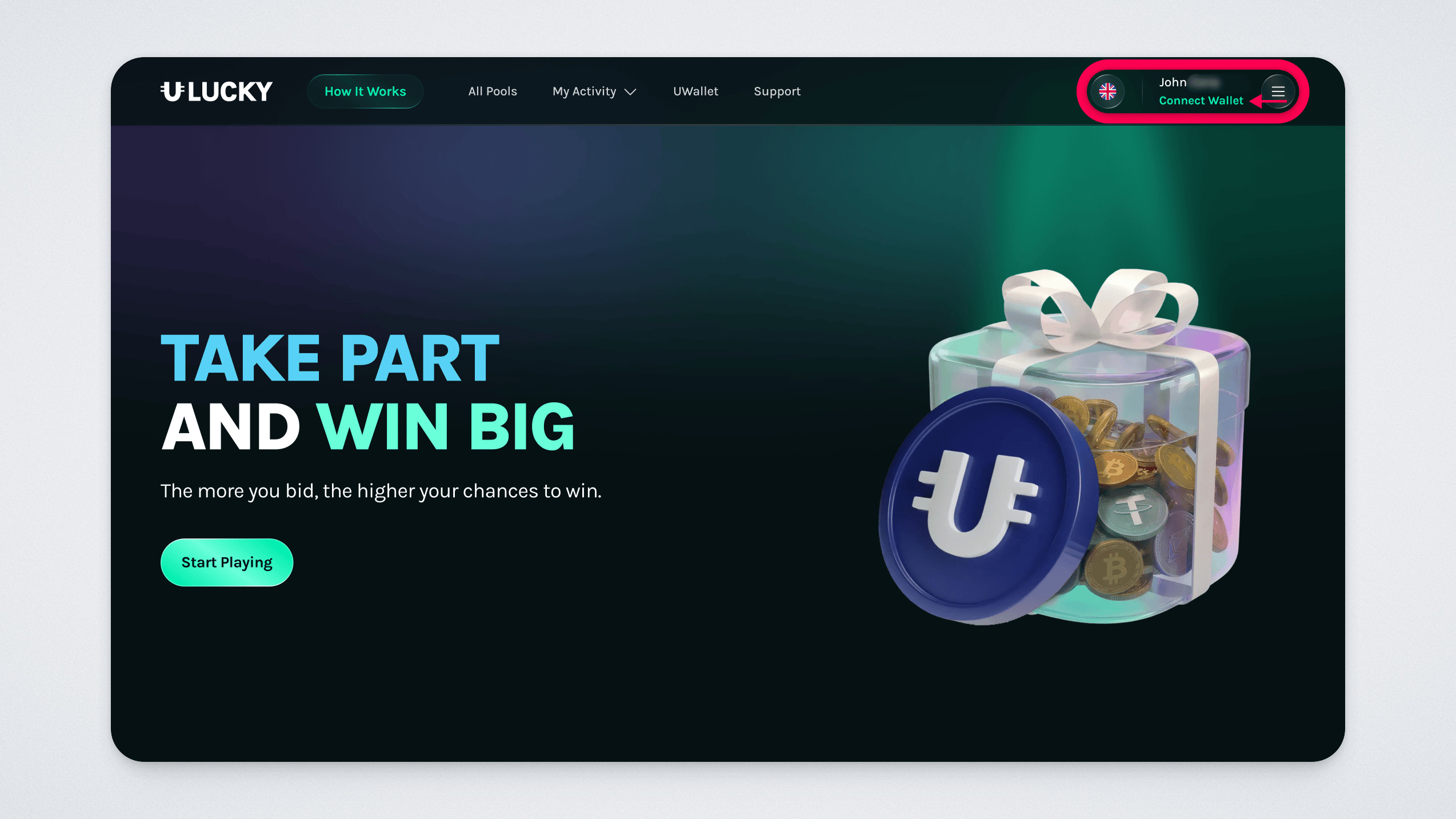
Click “Connect Wallet” in the top-right corner and connect your wallet via QR code:
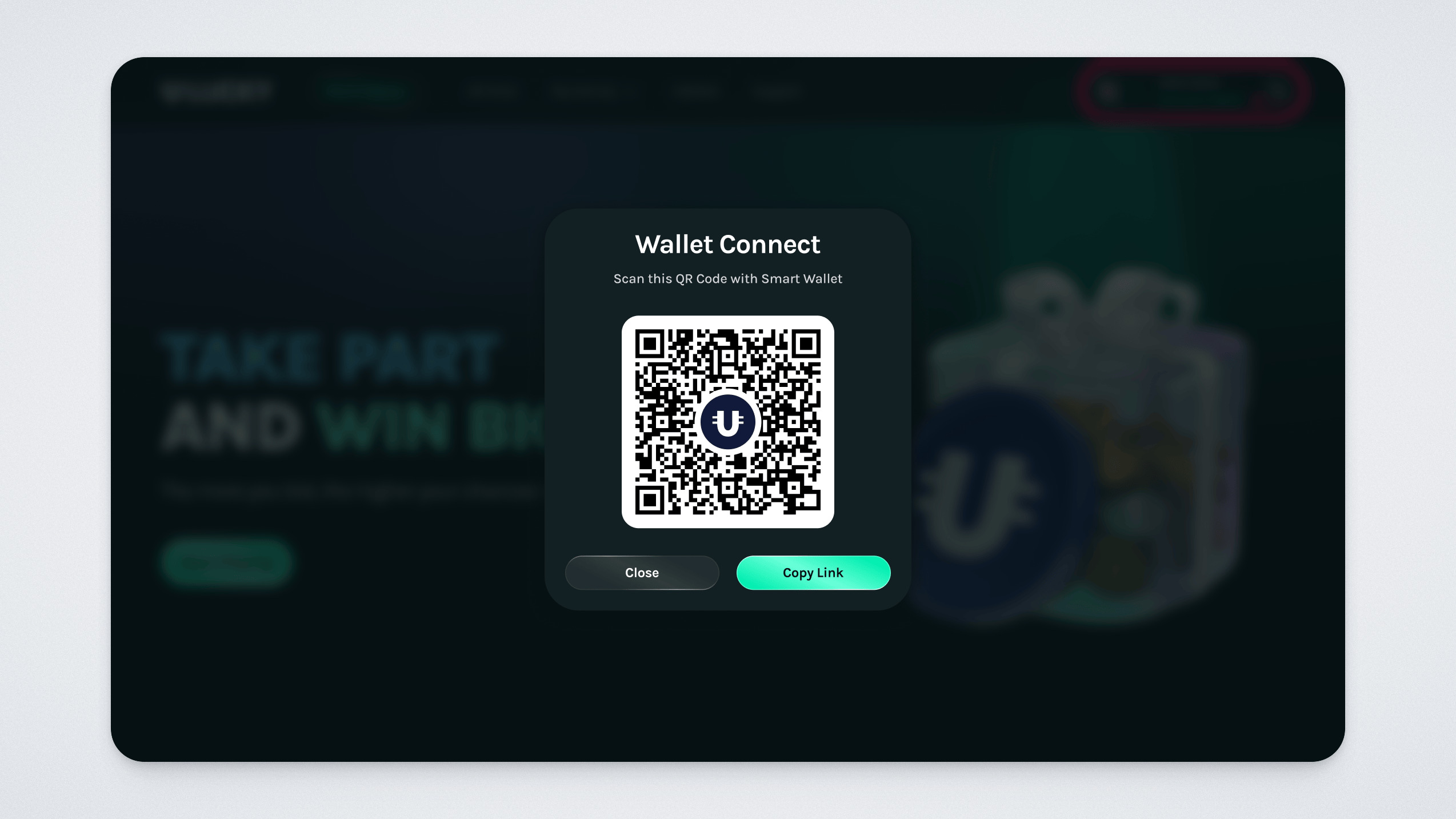
Scan the QR code on the screen using the UWallet app (QR Code section), or copy the link by clicking the corresponding button:
Confirm the wallet connection in UWallet:
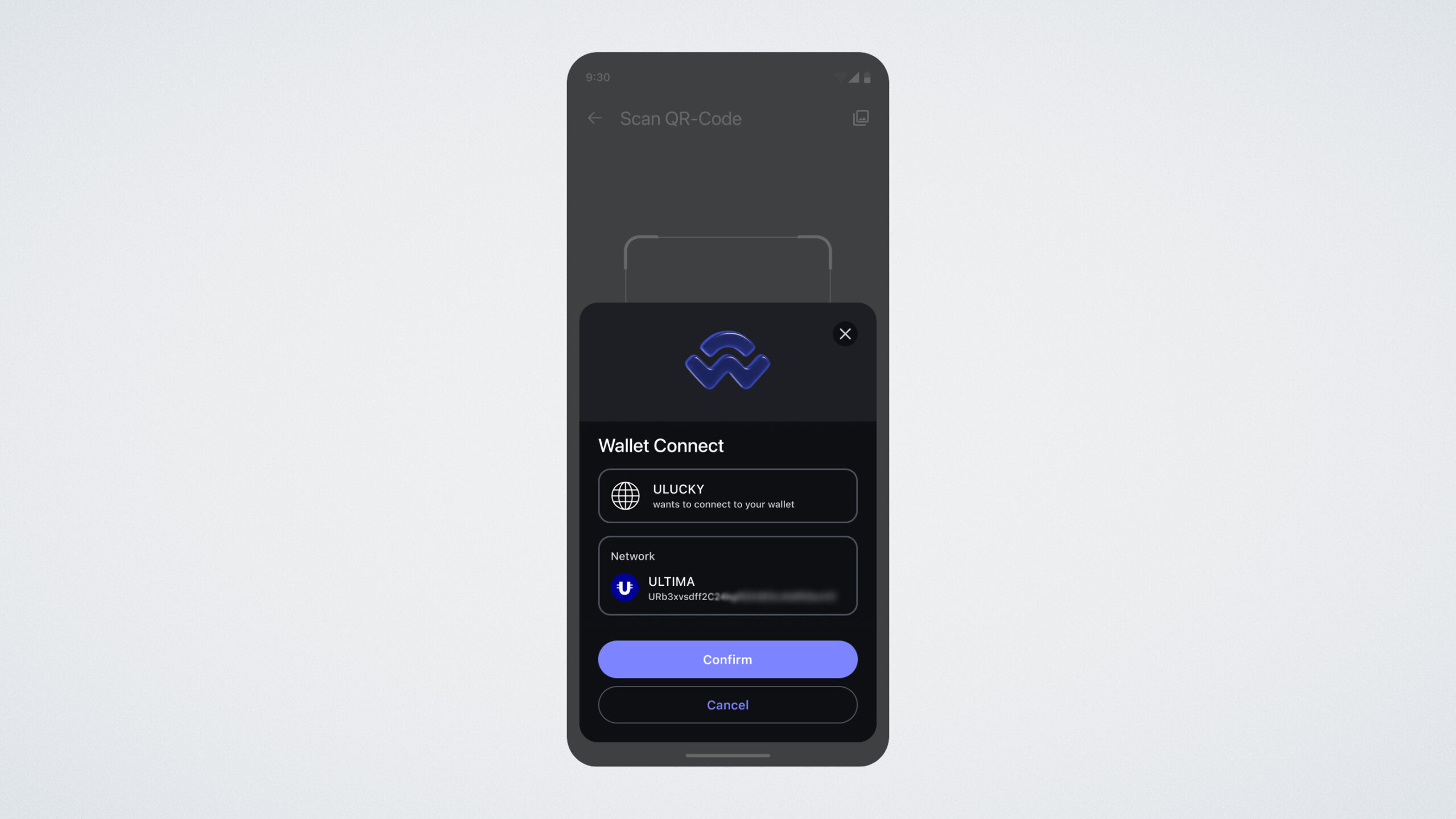
After confirmation, you will see a message that everything was successful.
The connected wallet will appear in your profile (top-right corner).
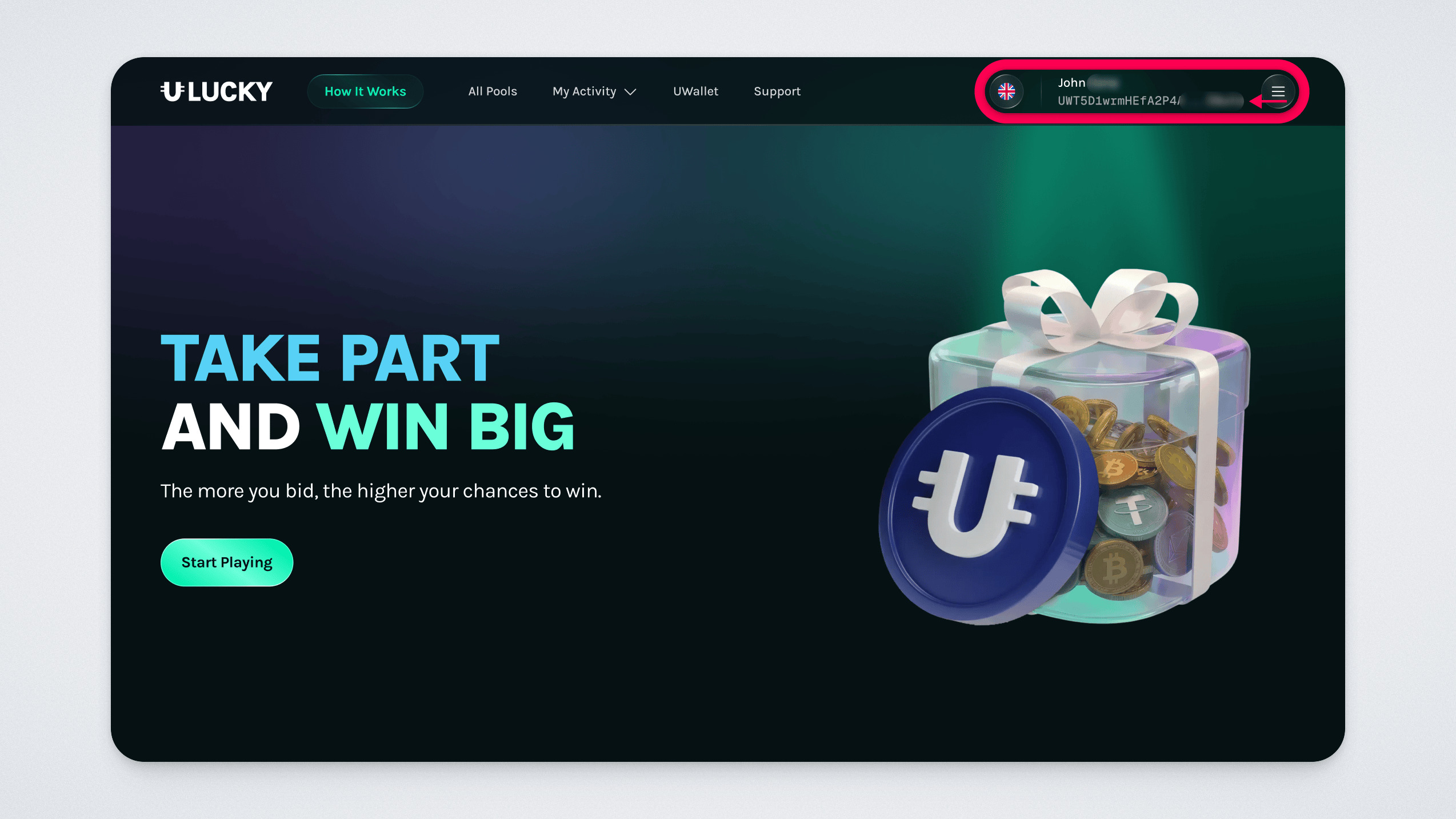
Please note: There are no restrictions on which wallet you can connect, so always make sure you know which wallet you linked and which one you used to participate in the pool.
How to Choose a Pool
On the main page, you will first see the three most profitable pools at the moment. These pools offer the largest prizes. Below them, you will find recently created pools. And further down — pools that are close to the draw.
A pool can be drawn when it reaches the required amount (if specified) or when it reaches the set expiration date. Further down the page, you can also view recent draws:
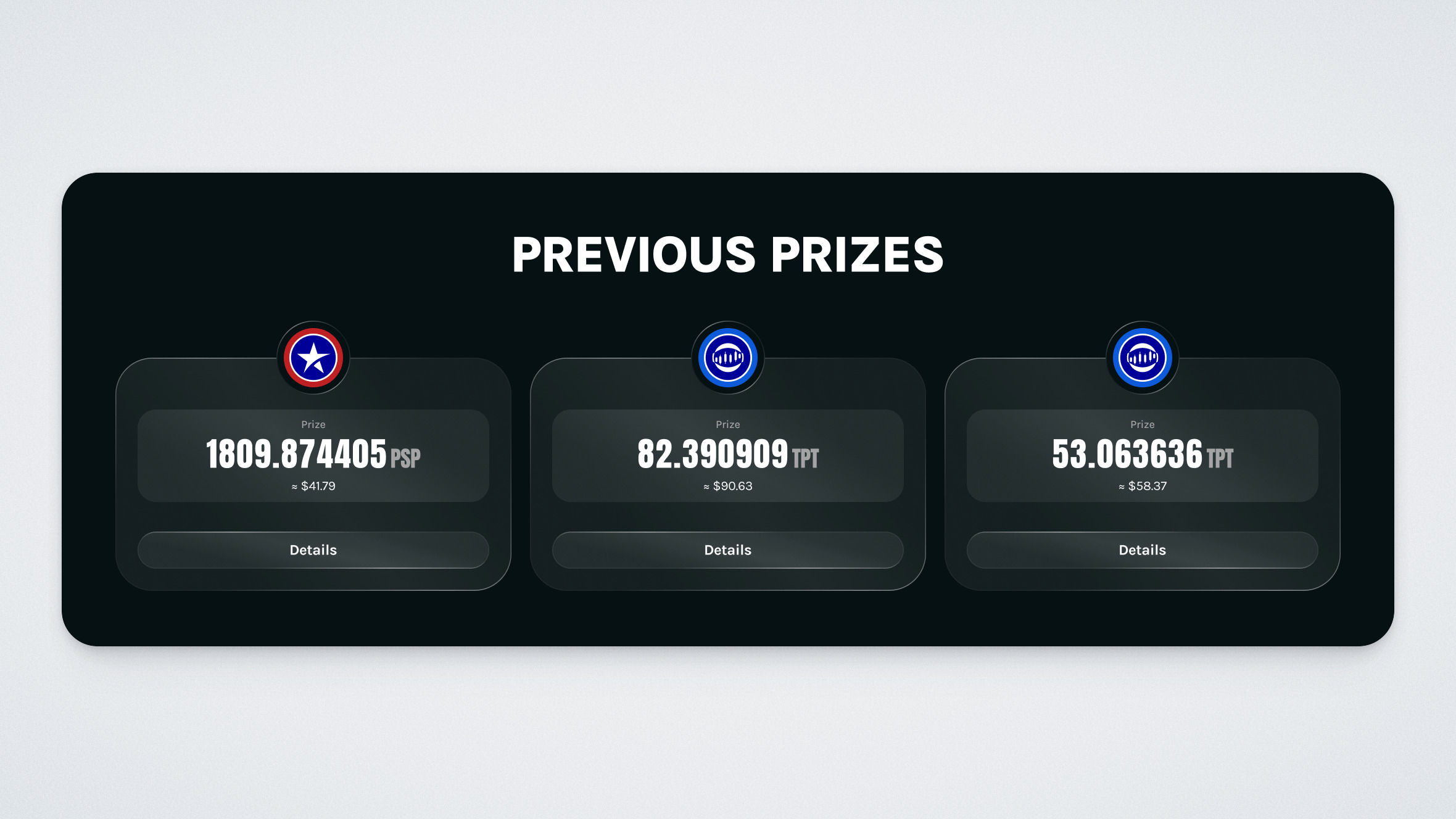
To participate in a pool, click “Take Part”:
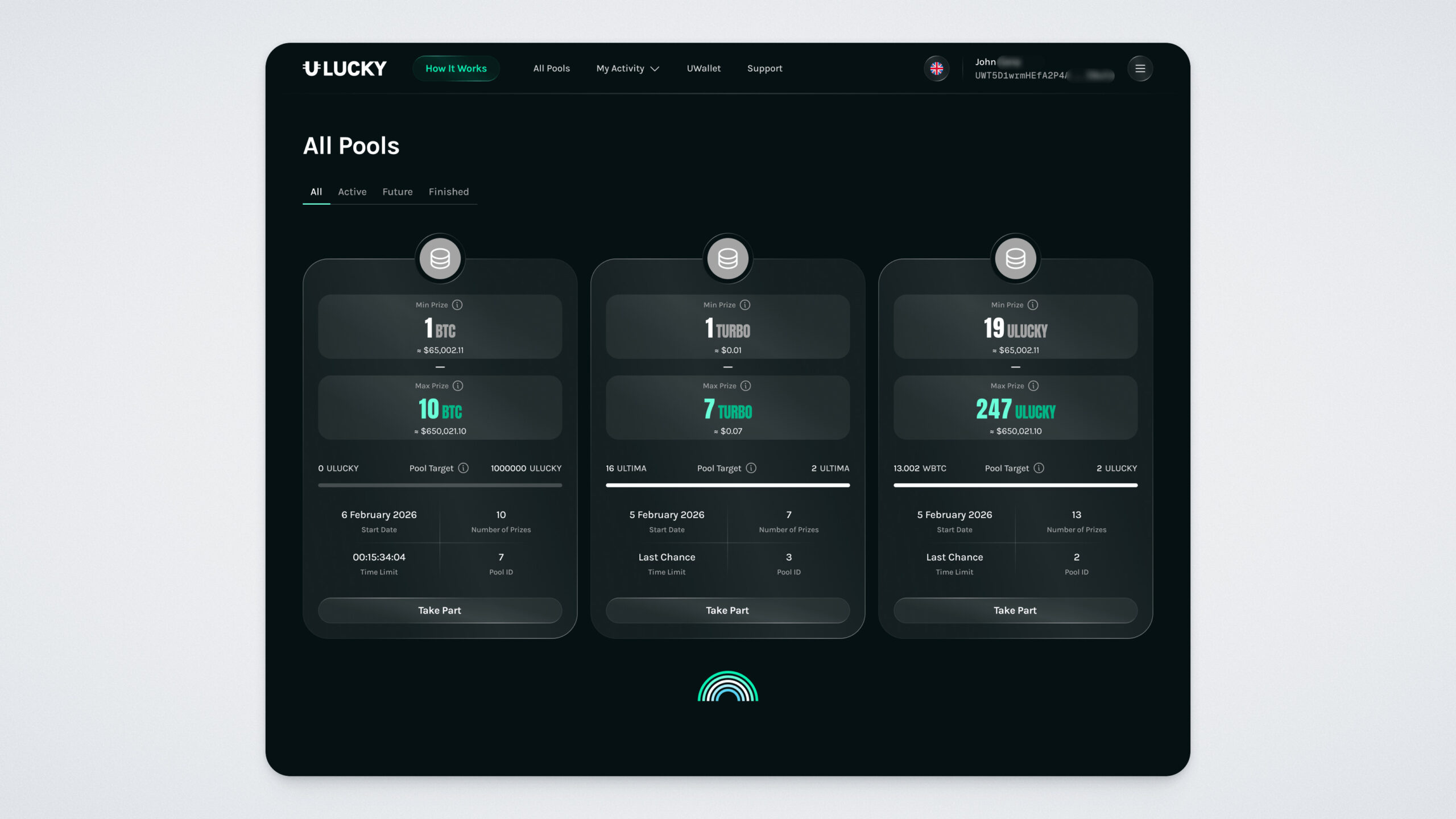
A pool card will open. It displays the prize token, minimum and maximum prize, creation date, number of prizes, expiration limit, list of participants, minimum bid amount, and the pool filling progress.
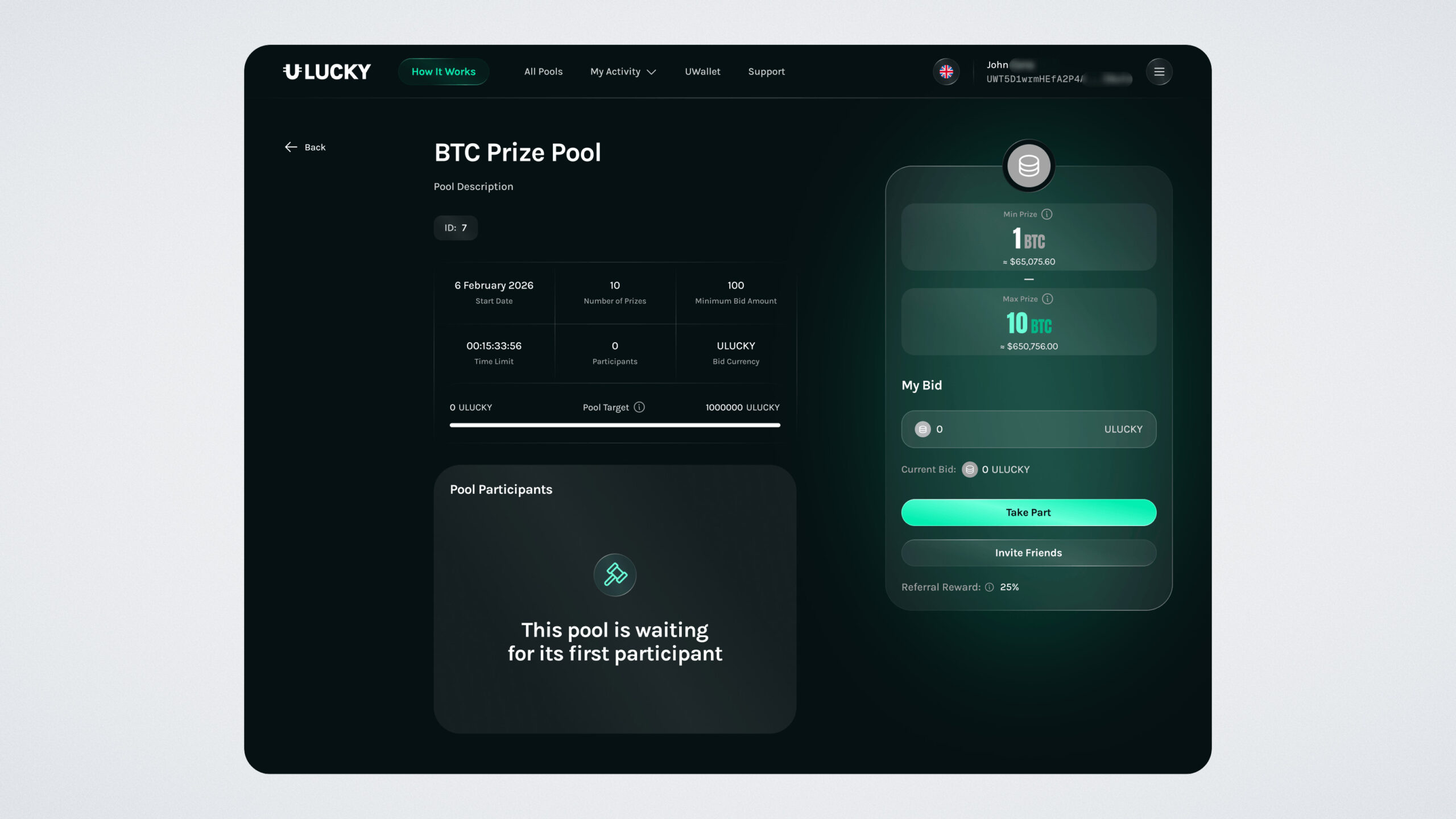
Enter your participation amount, it must be no less than the minimum bid amount.
Pay attention to tickets: the larger your bid, the more tickets you receive, and the higher your chance of winning. For convenience, a LuckyMeter is displayed on the screen, showing your estimated probability of winning, but it does not guarantee a win.
After entering your bid amount, click the “Take Part” button:
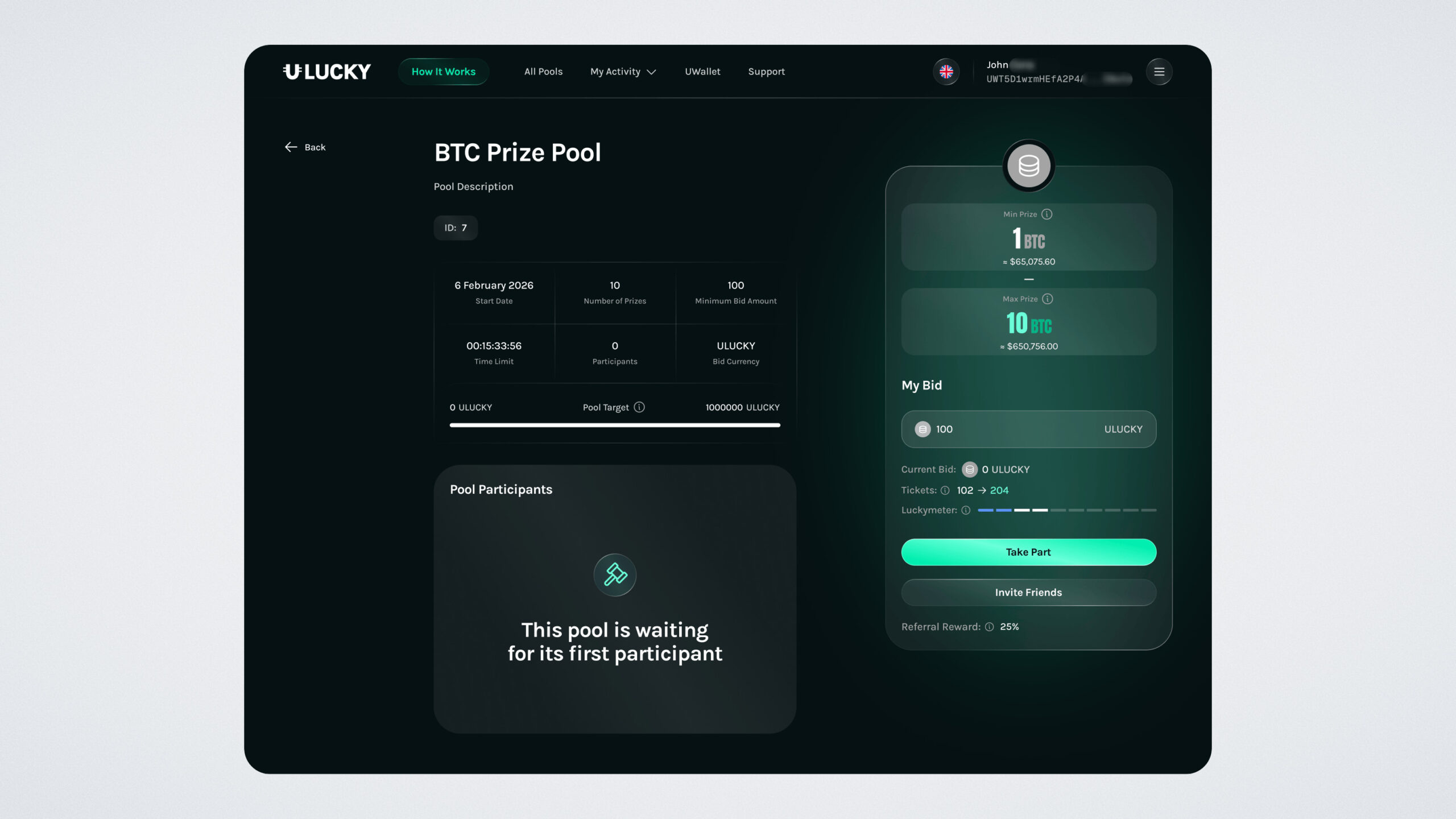
Confirm the action on the website:
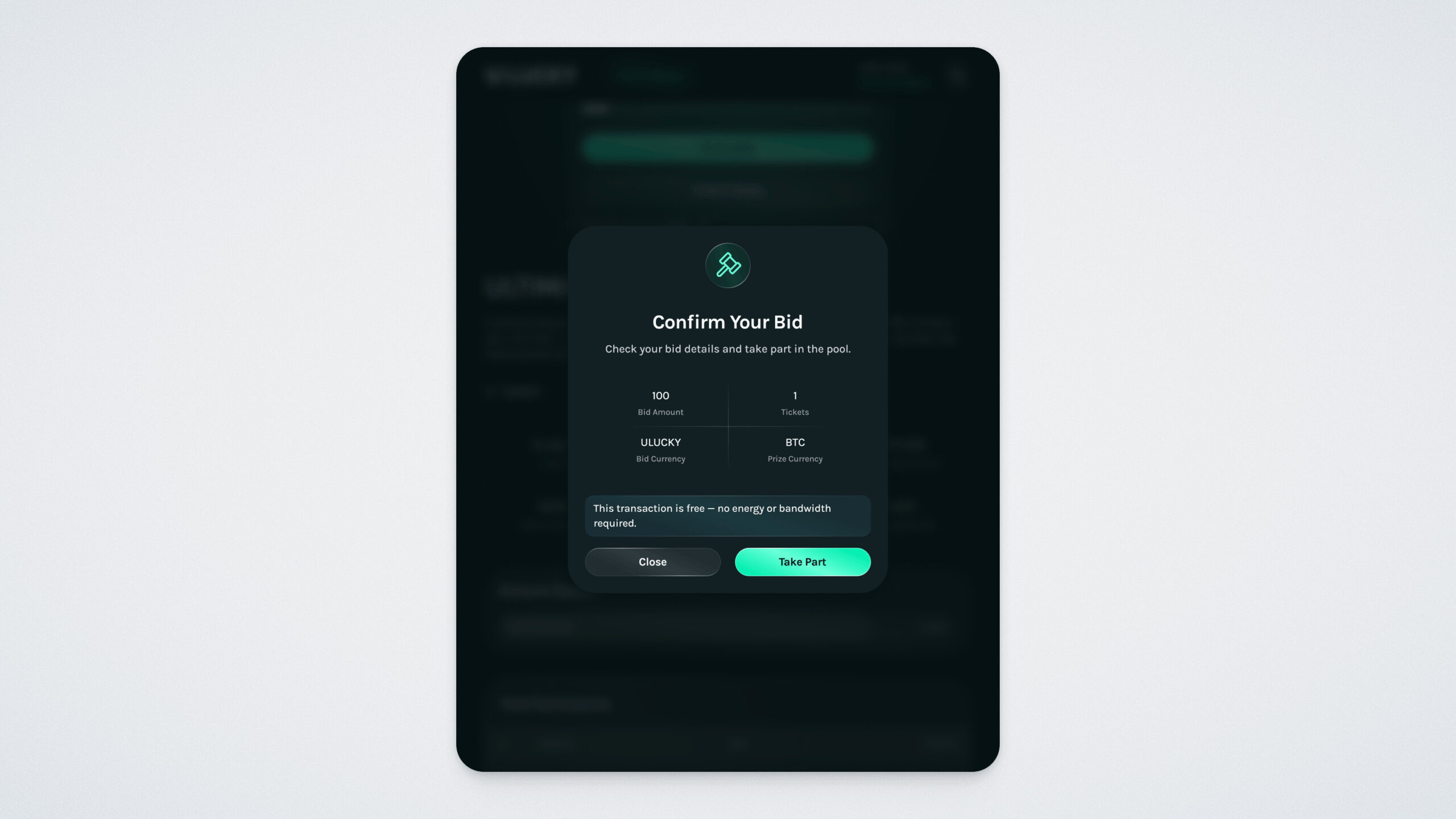
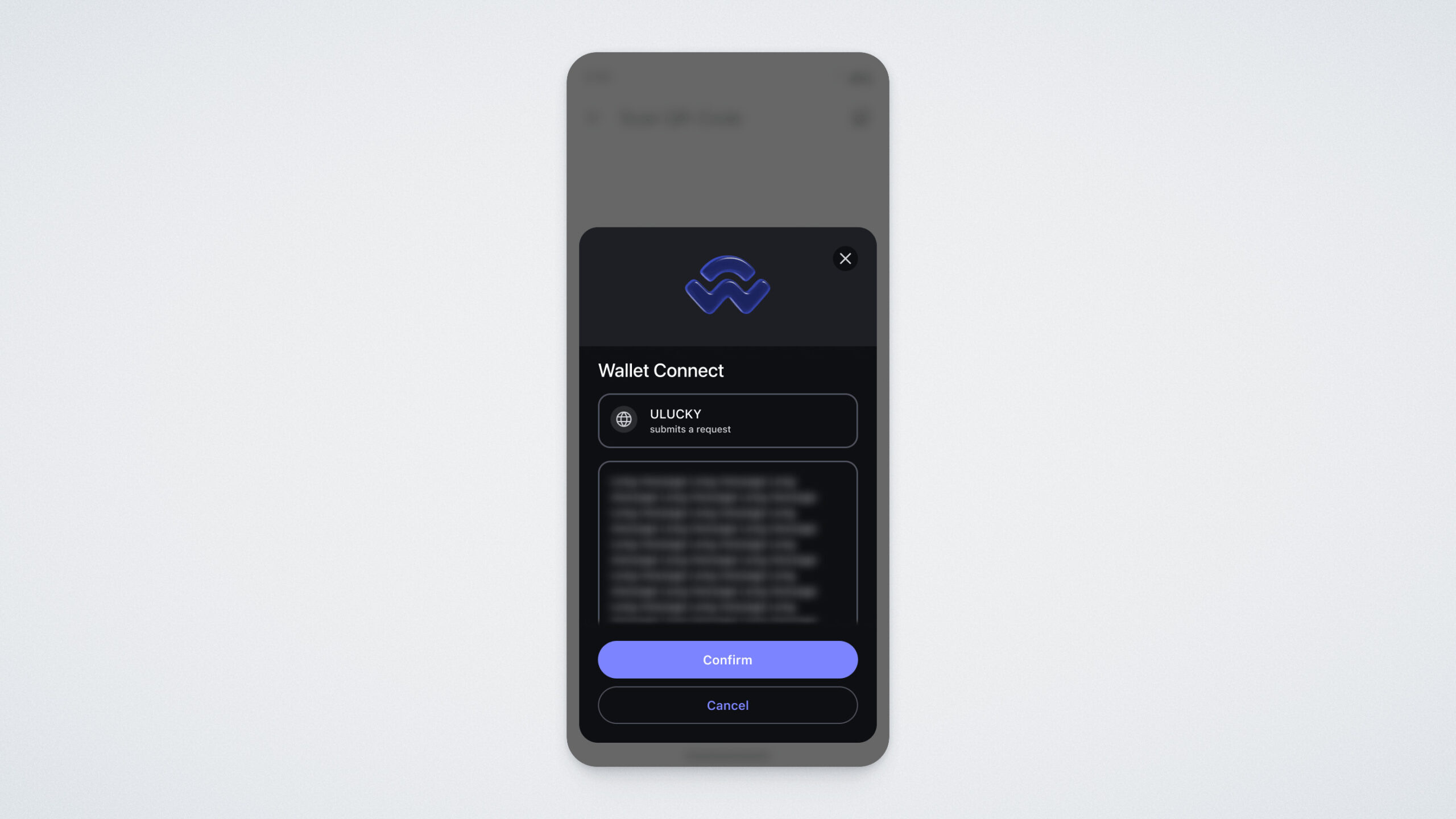
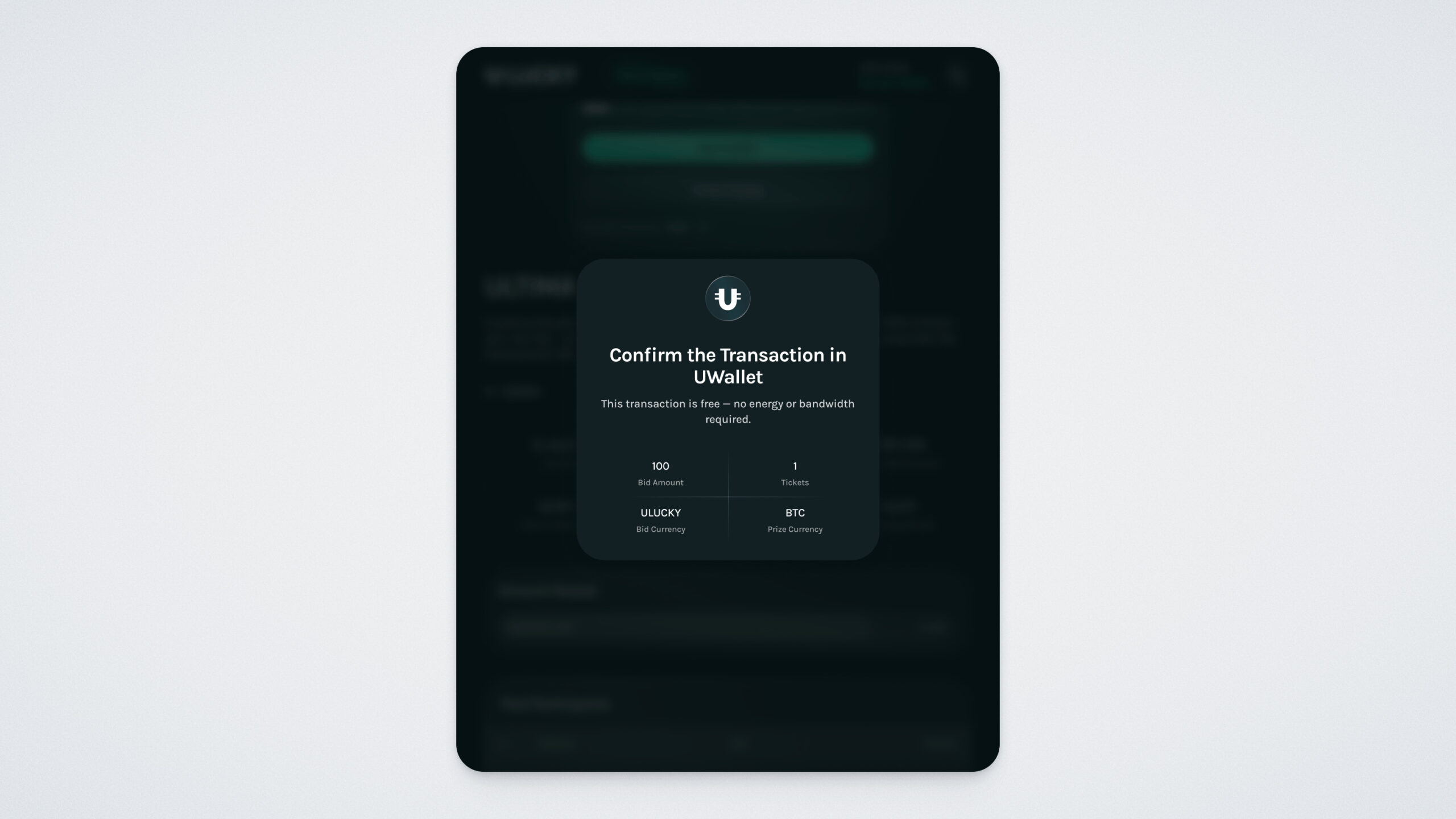
Then confirm the transaction in the UWallet app. Please note that for the first bet in a token, you will need to confirm the transaction twice. All subsequent bets in the same token will go through immediately. If you decide to participate in a pool with a different betting token, double confirmation will again be required.
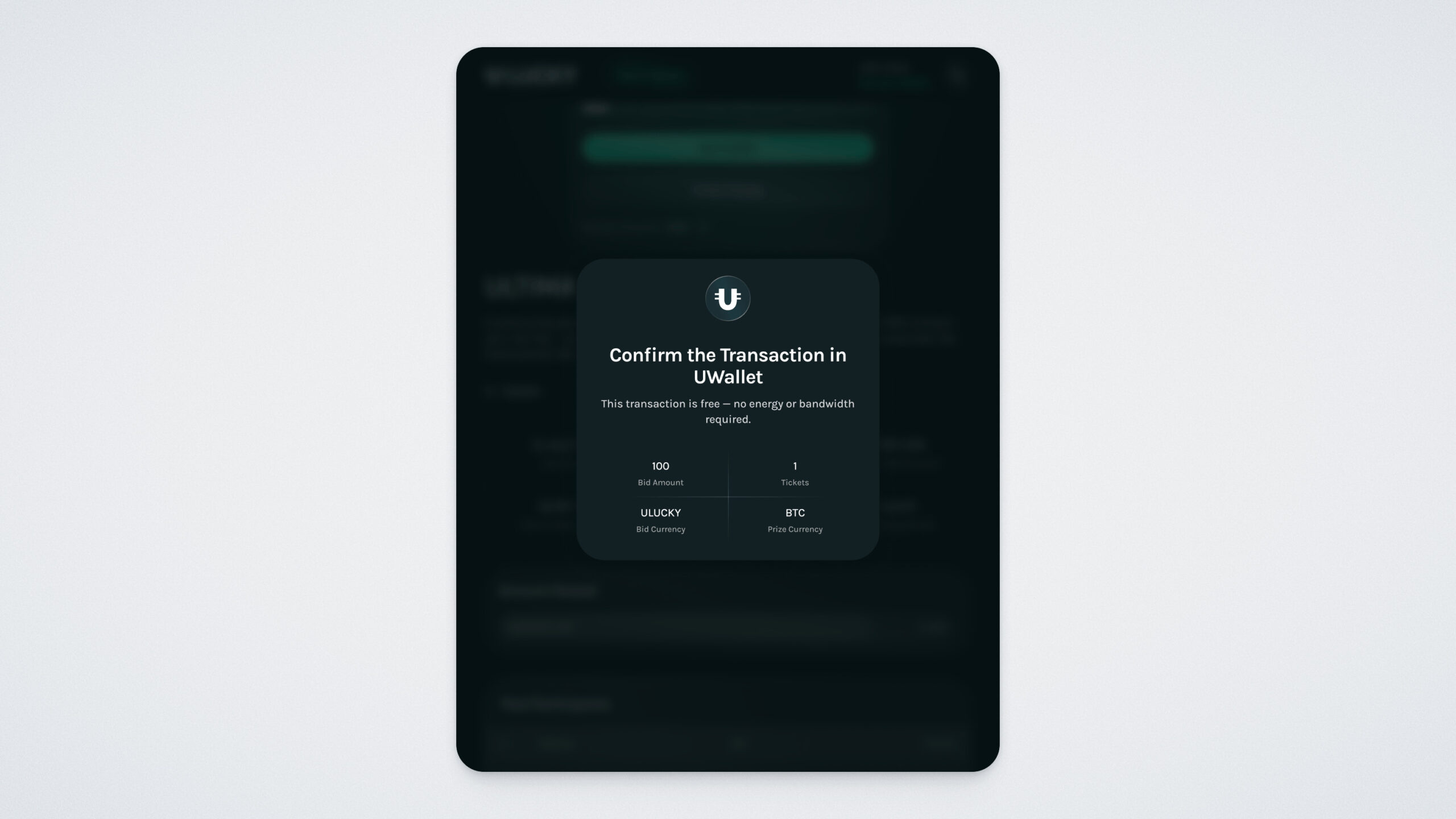
Important: you approve the action in your phone, while the website shows exactly what you are confirming.
You will see a confirmation message in your wallet once the transaction is approved:
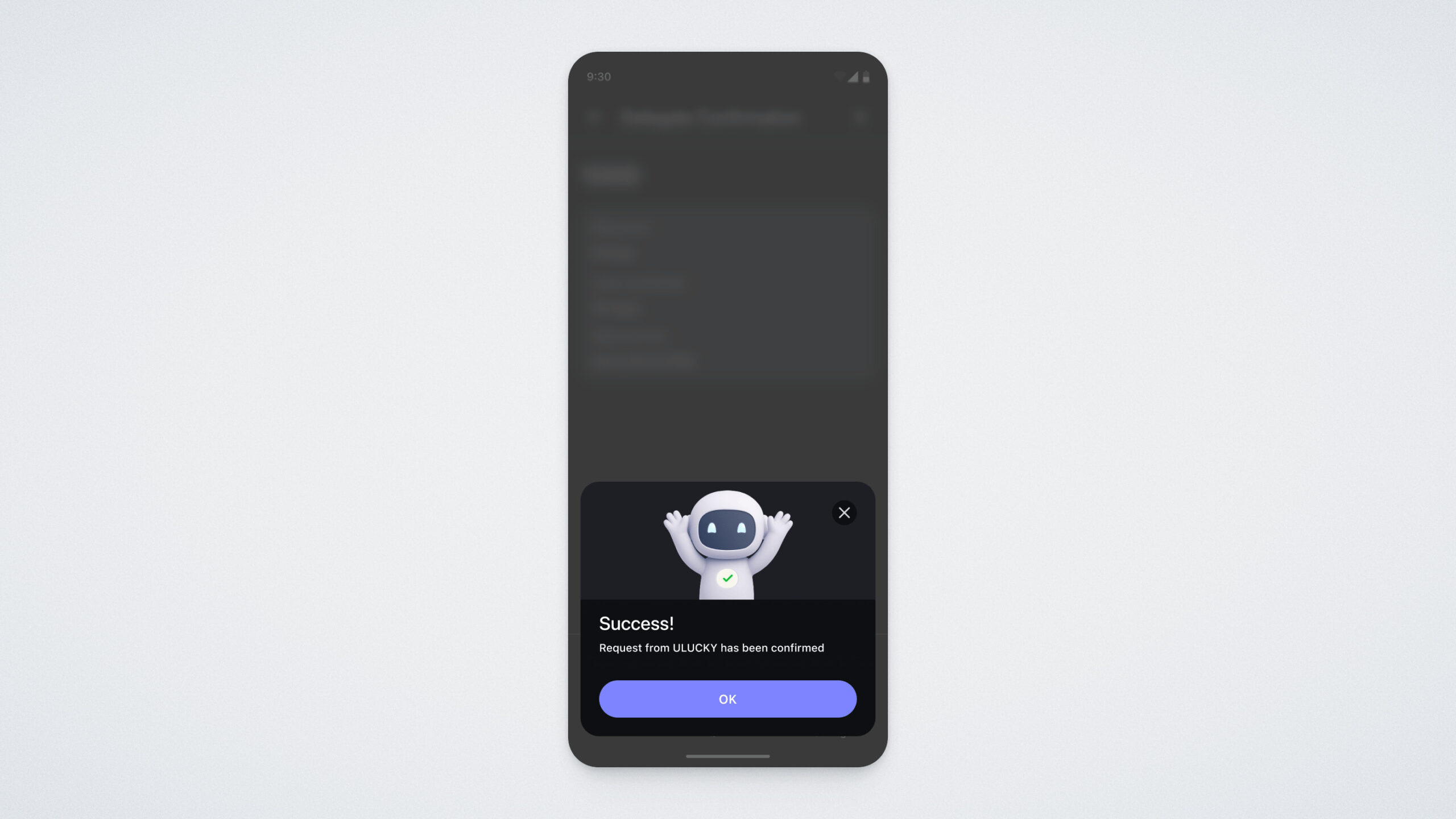
If this is your first bet in this token, you will then need to confirm the transaction once again.
After this, your wallet will appear in the list of participants.
Where to View Your Actions
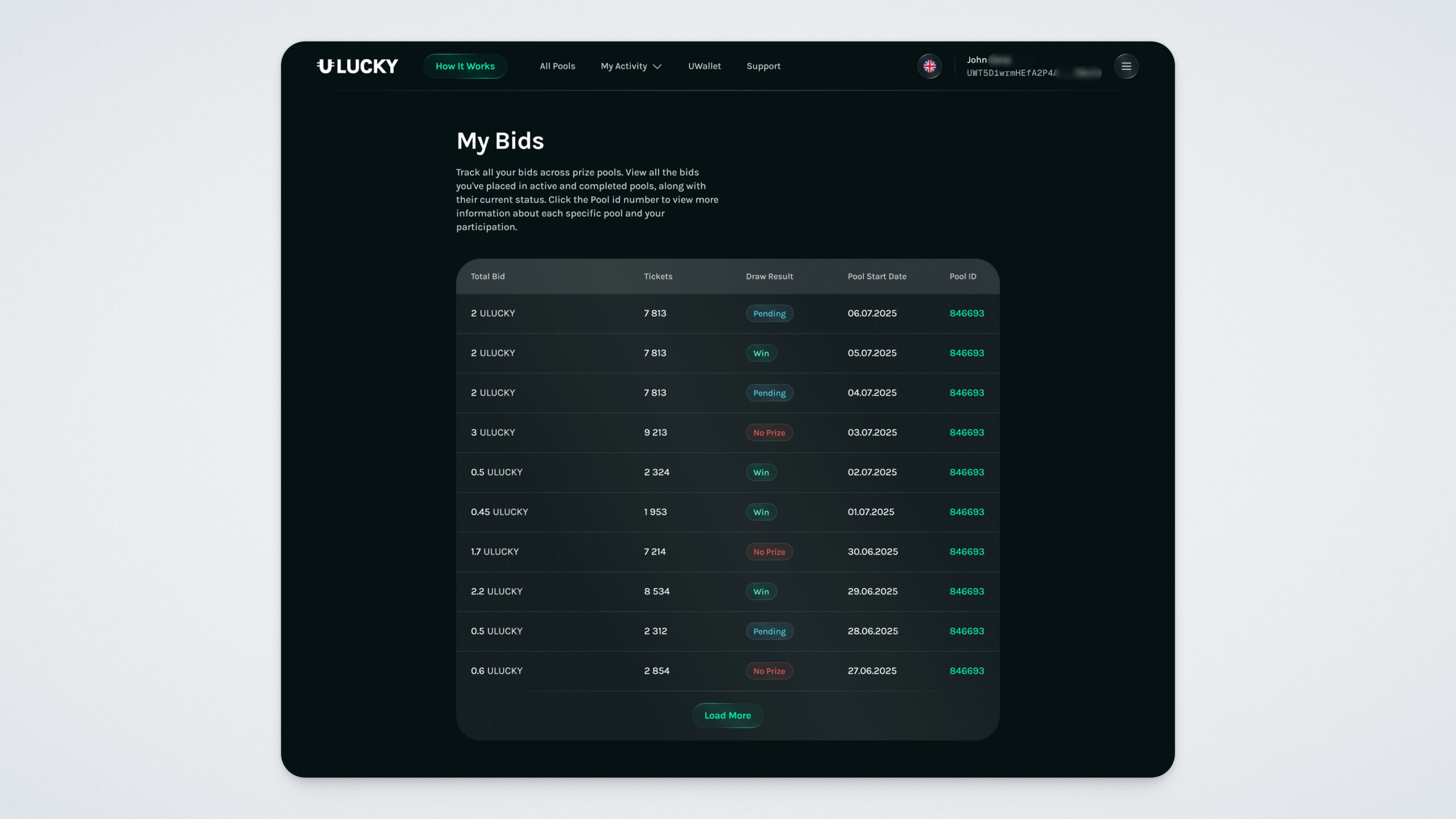
My Bids — the history of all your pool bids. Here you can see your bid amount, number of tickets, draw results, start date, and pool ID.
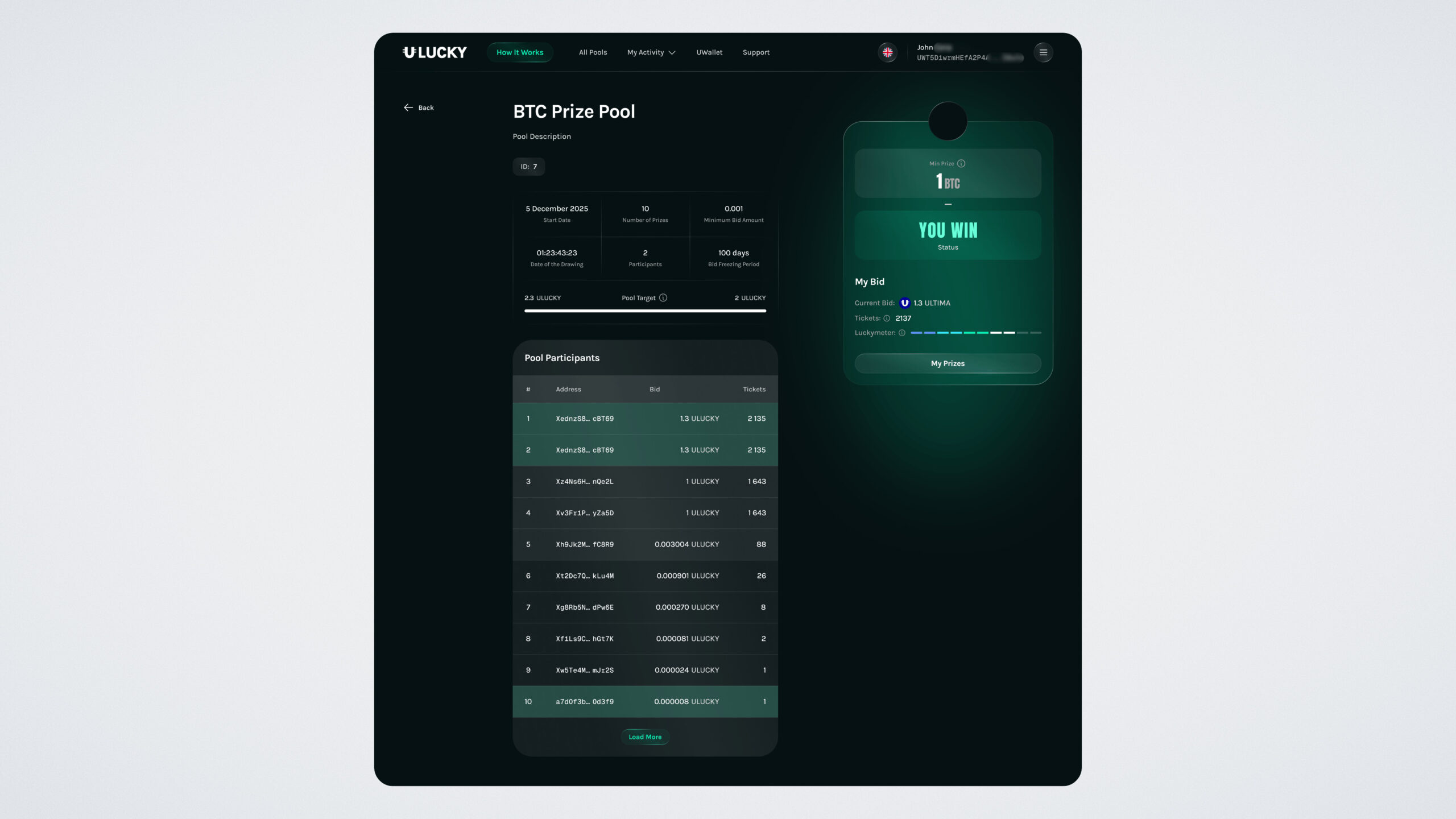
Participants in the pool card — the list of participants (their wallets) and their bids.
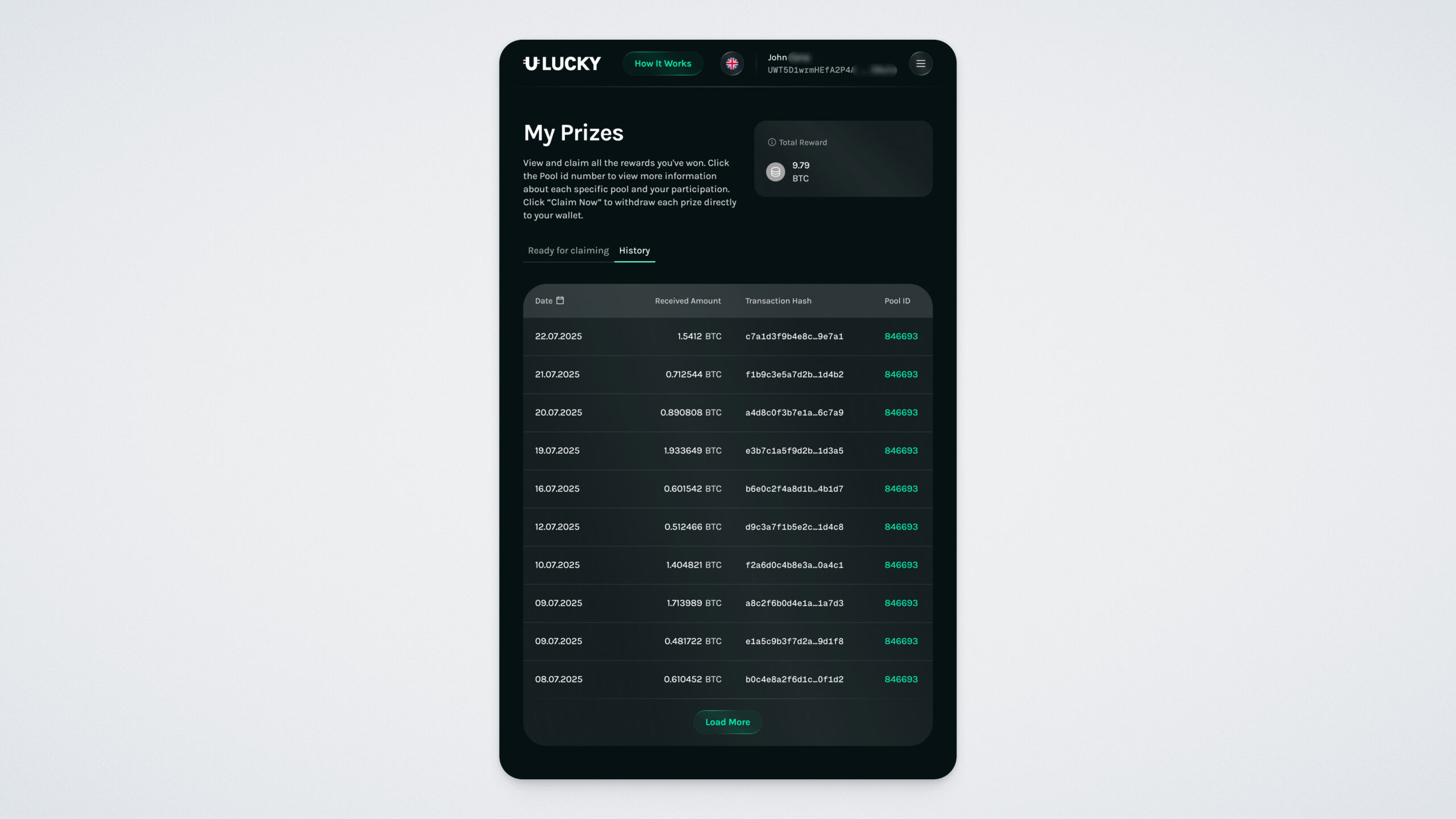
My Prizes — all prizes you have received in the pools.
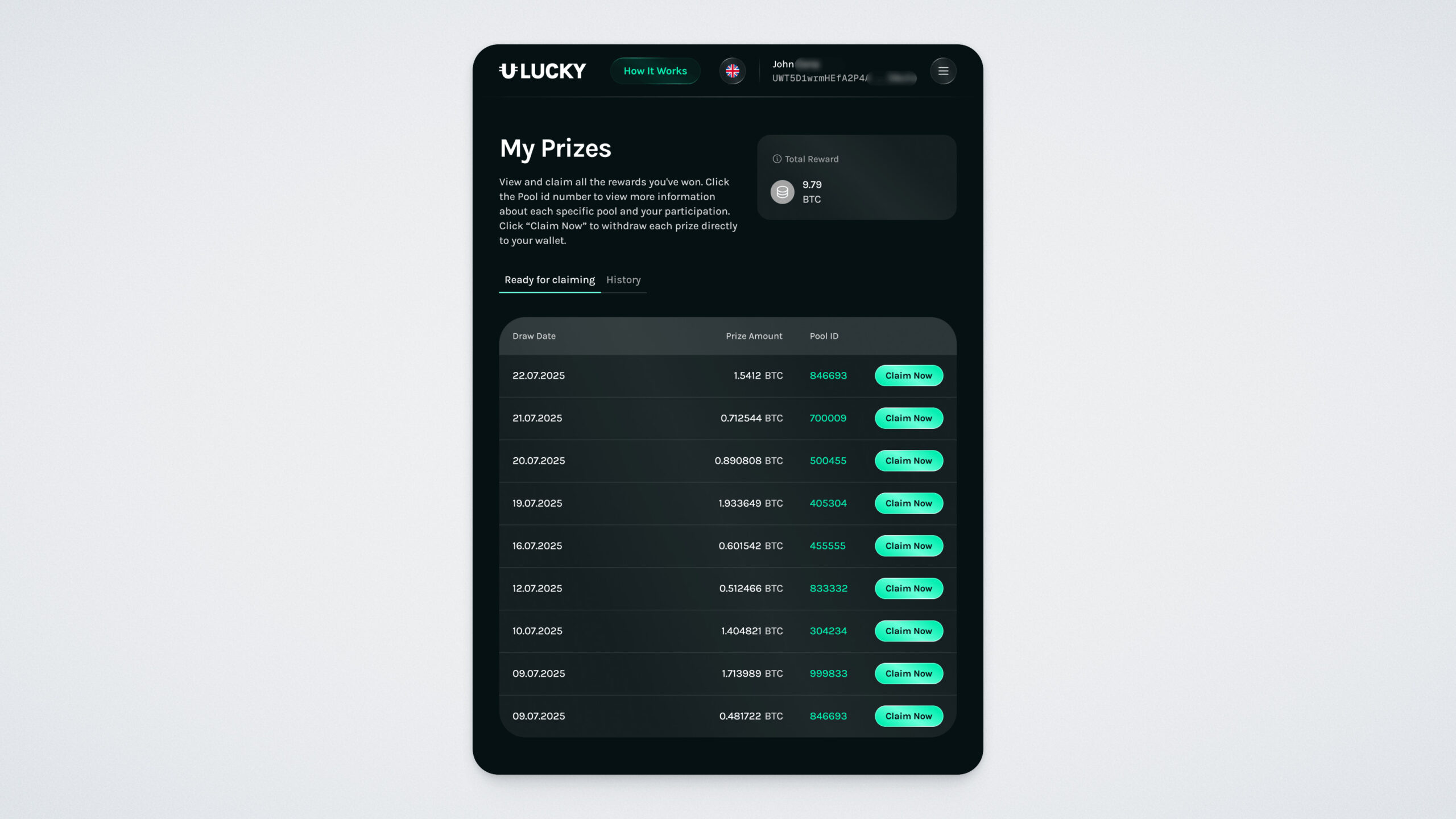
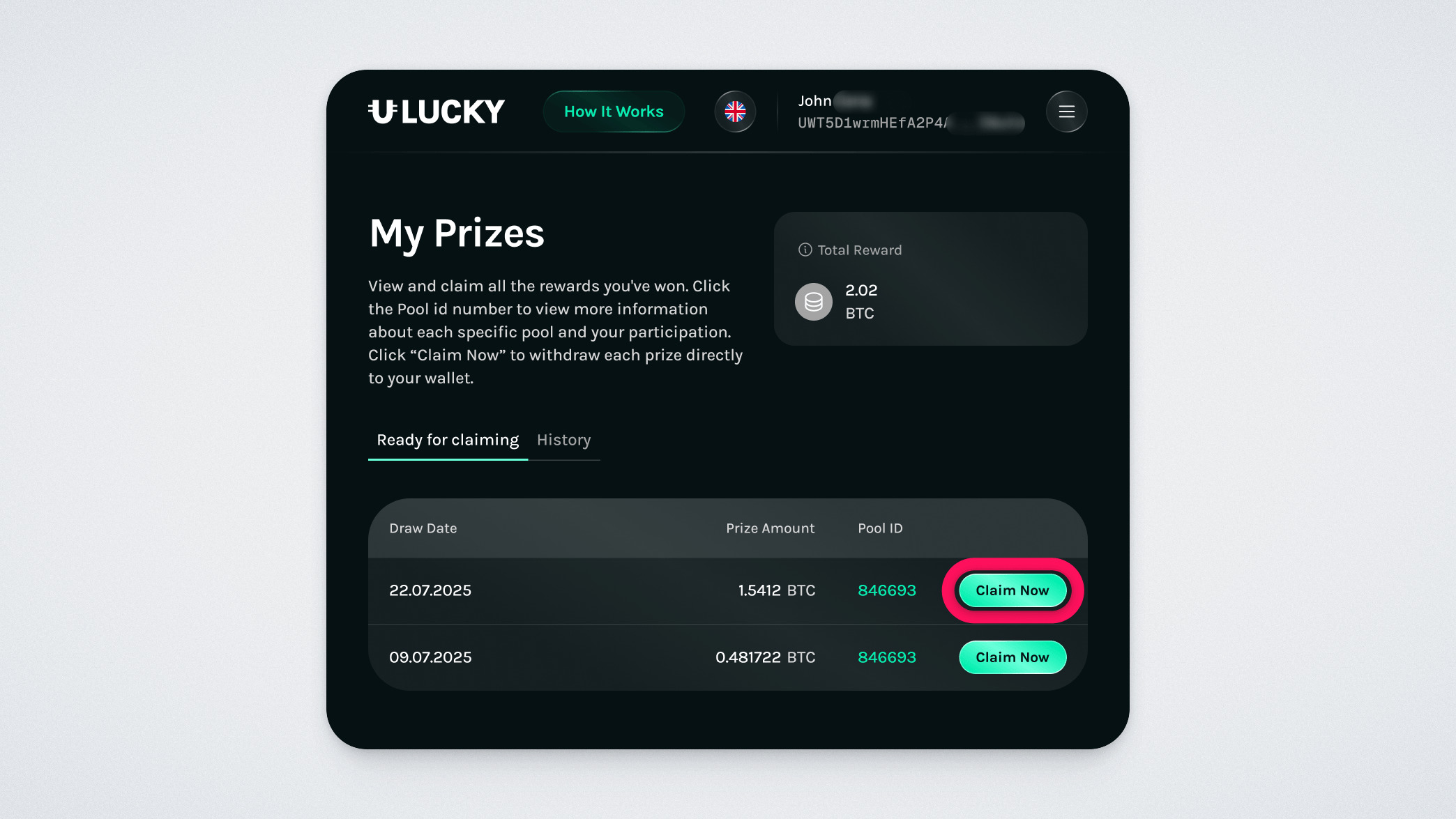
In the “Ready for claiming” tab, you will see prizes available for withdrawal to your wallet. To withdraw a prize, click “Claim Now”.
Important: The platform operates fully on the blockchain. Your bids and history are tied to the specific wallet you connected. If you connect a different wallet, you will only see the data associated with that wallet.
Prize Draw and Winning Chances
The draw is conducted according to the pool rules and is random. However, the size of your bid increases your chance of winning by giving you more tickets. There is no limit to the number of times you may participate in a single pool — you can place multiple bids while the pool is active.
How to Claim Your Prize
If you win, a corresponding notification will appear on the pool page.
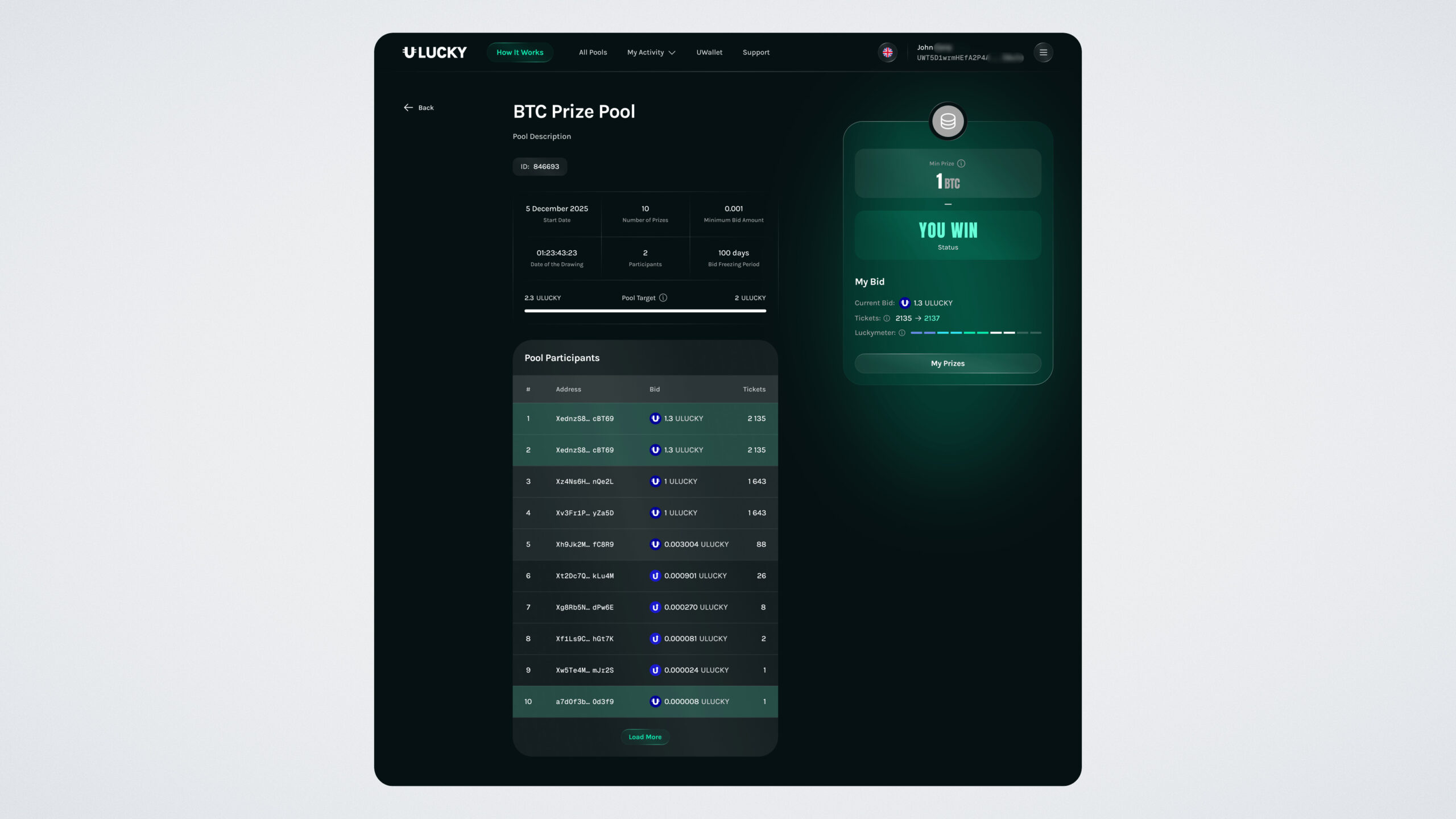
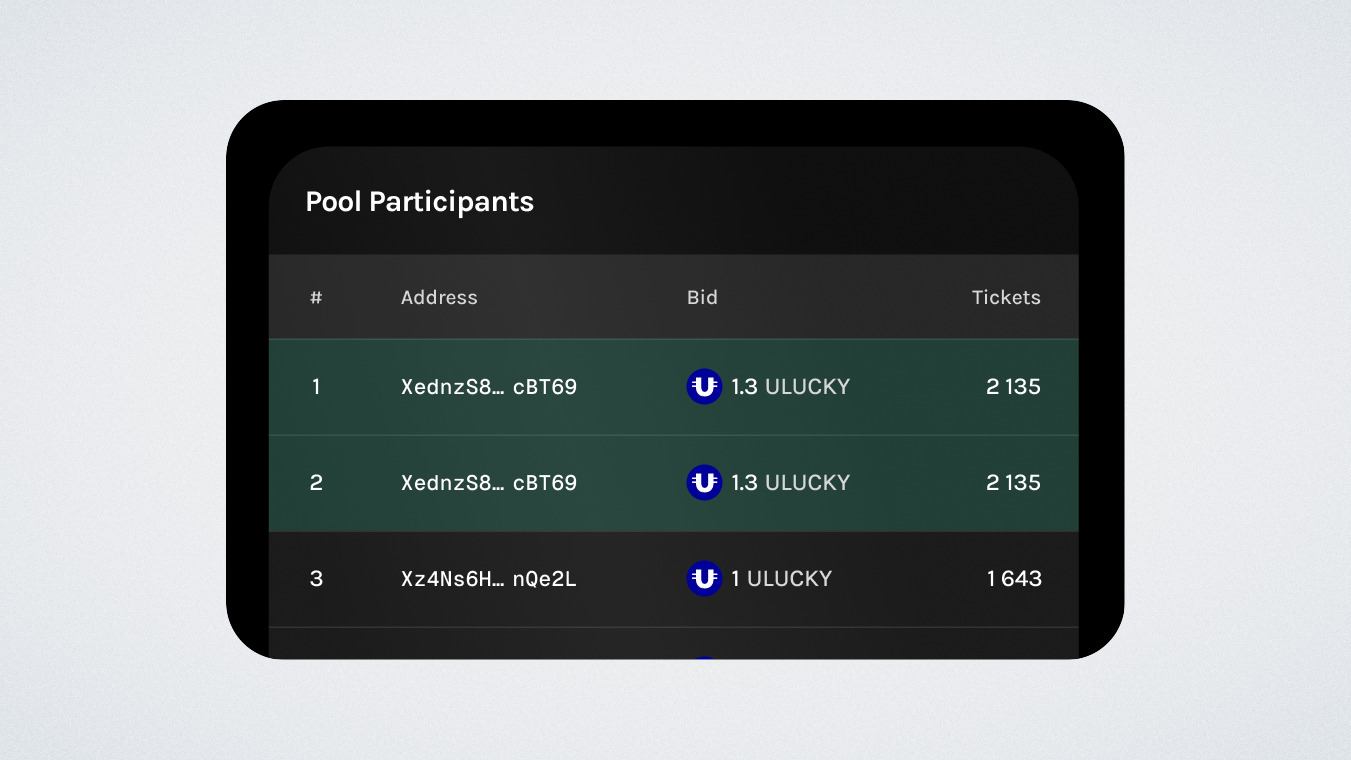
You will also see the list of winners — your winning places will be highlighted in green.
Go to the “Prizes” and open the “Ready for claiming” tab:
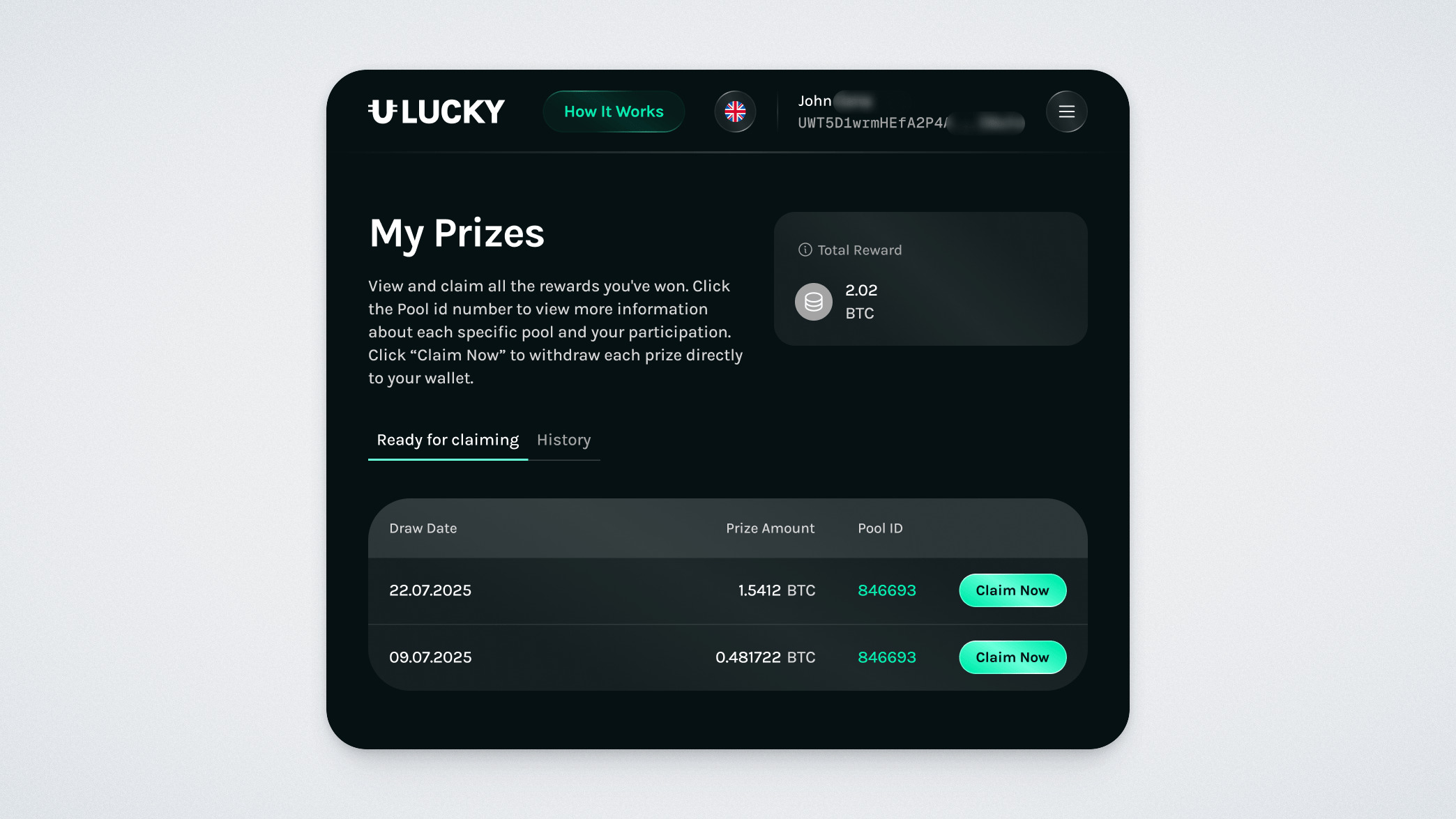
Click “Claim Now”
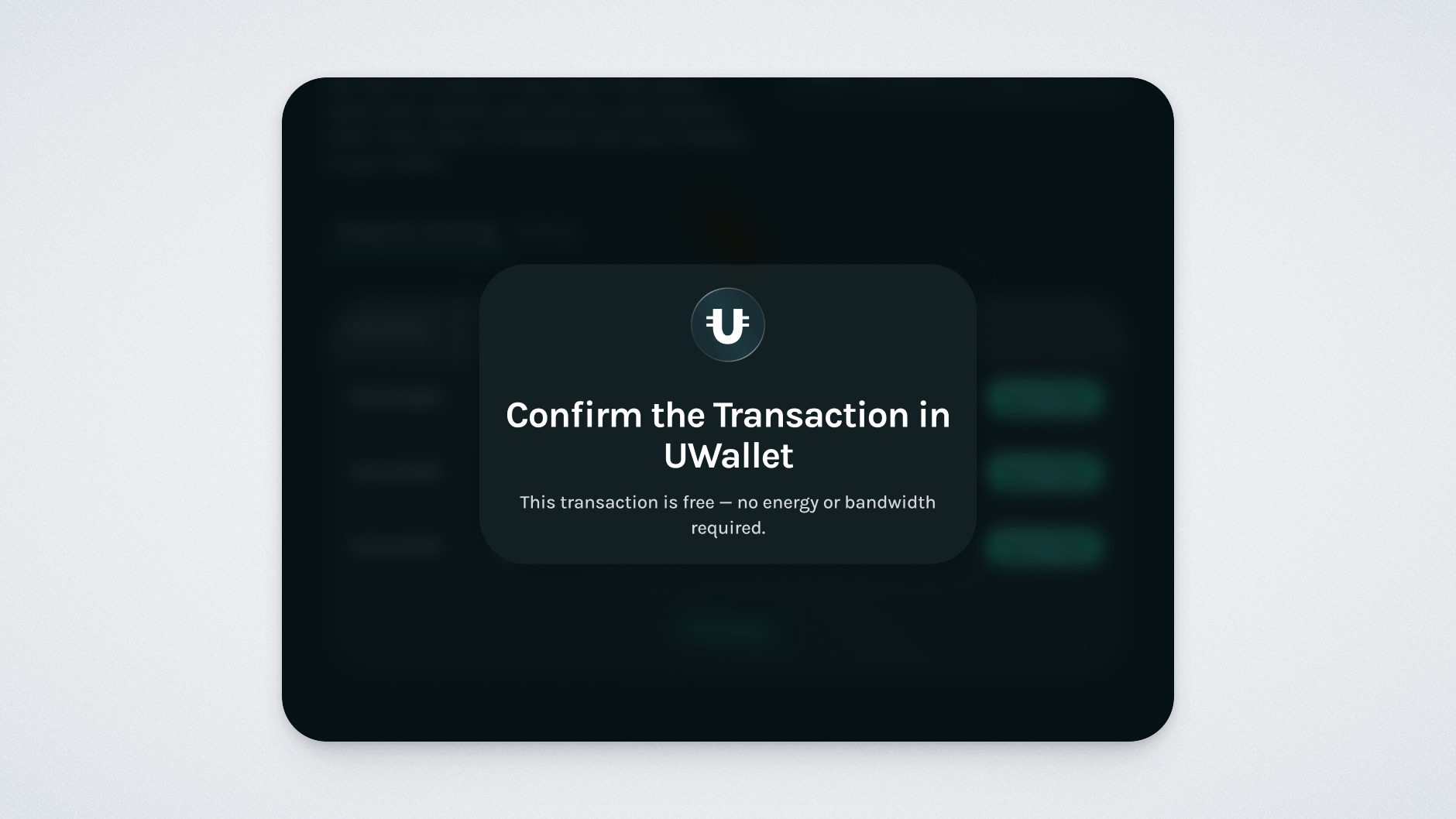
Confirm the transaction in the UWallet app:
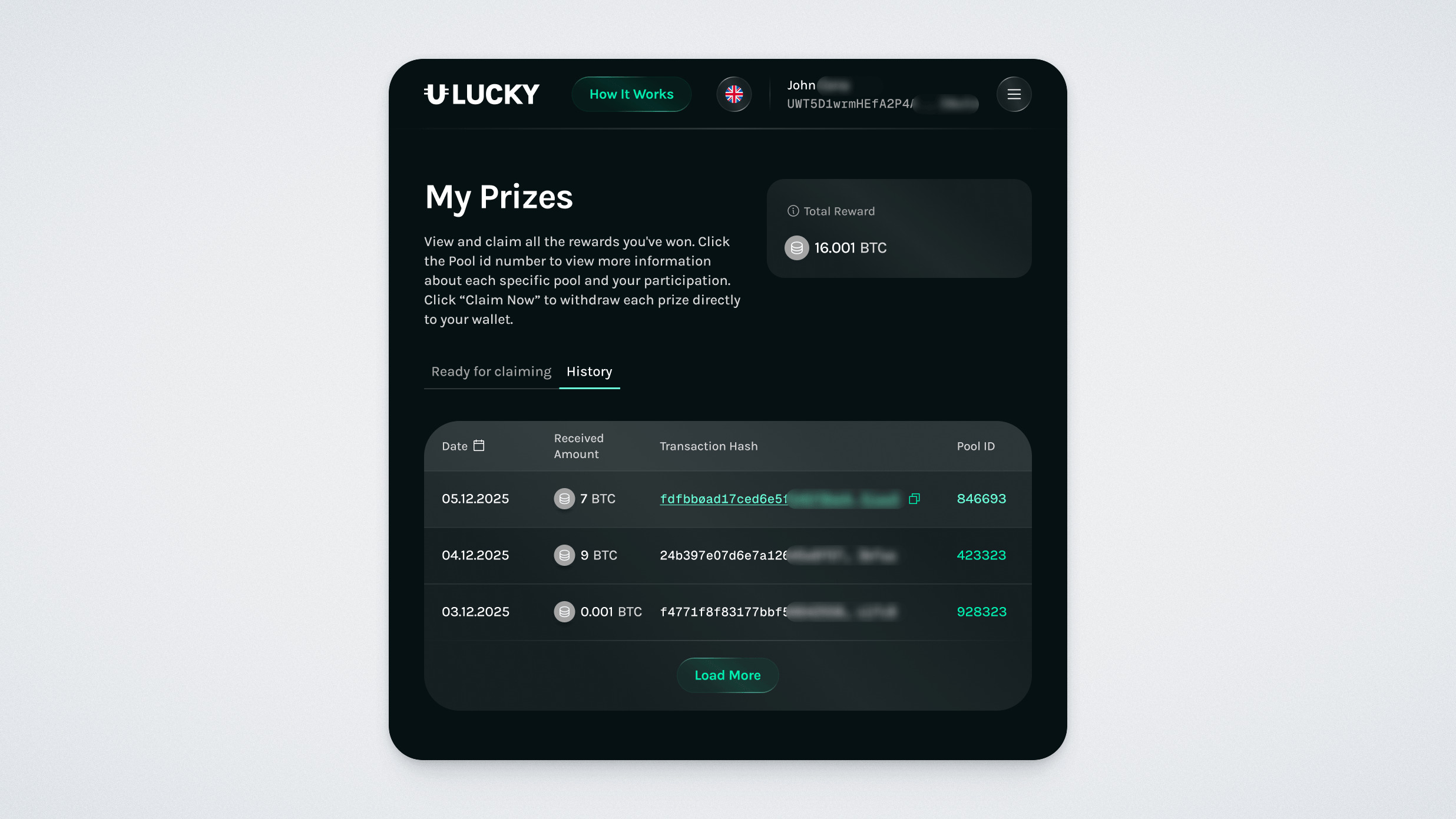
After a successful withdrawal, you will see a confirmation message. In the “History” tab, you will find all previously claimed transactions; you can verify them in the explorer using the transaction hash.
Please note that winnings can only be withdrawn to UWallet in full — partial withdrawals are not available.
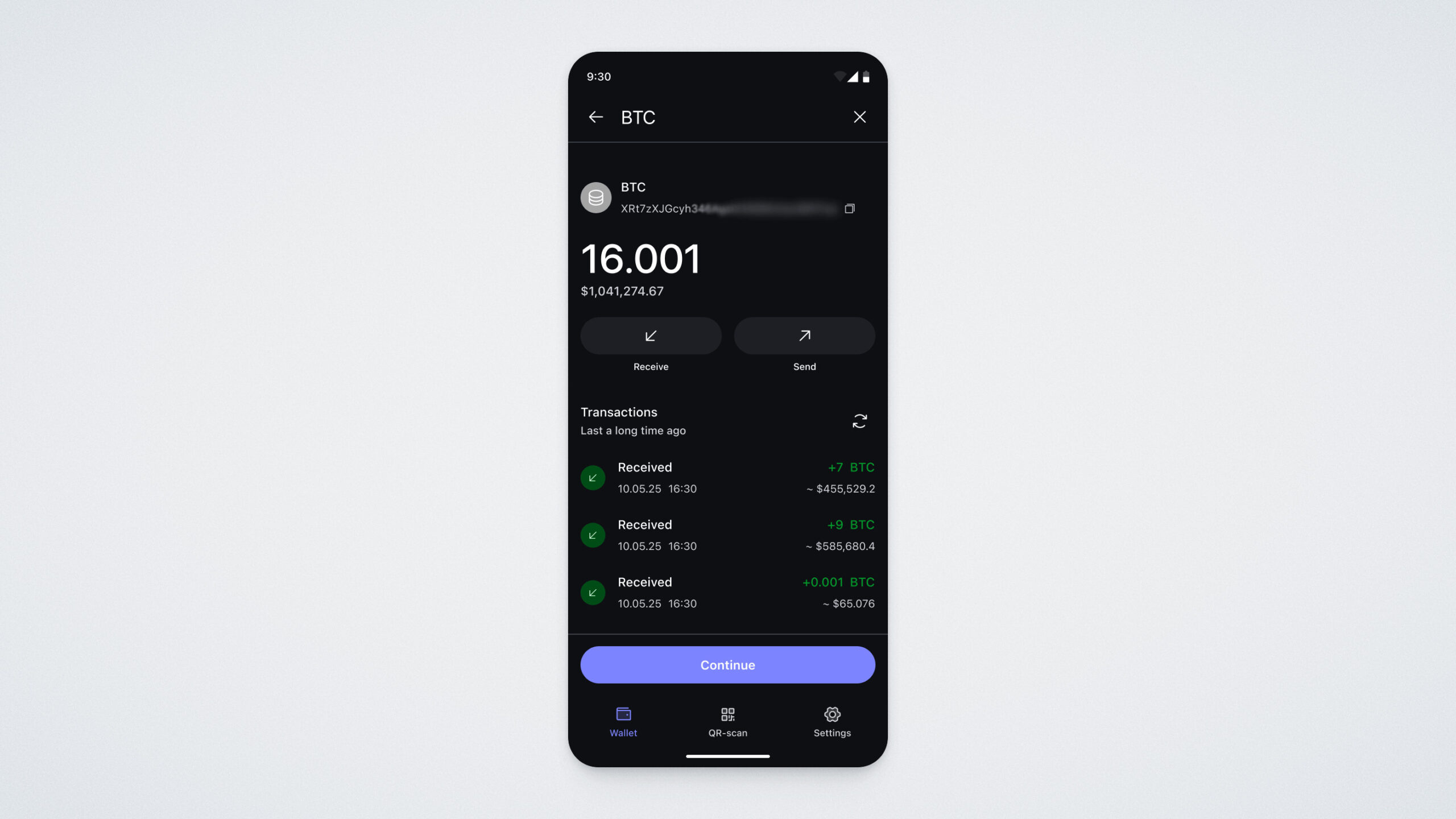
The transaction will also appear in your UWallet:
Important: Prizes are not distributed automatically. Until you click “Claim now”, the prize cryptocurrency will not be transferred to your wallet. If you participated using different wallets, you will need to claim prize tokens separately from each wallet.
In this guide, we walked you through the ULTIMA Lucky platform and explained how to participate in prize pools. We wish you good luck and success in the draws! If you have any questions, feel free to contact our support team — we’re always happy to help.